This content was reviewed and updated in August 2026 to ensure all information remains accurate and up to date.
Employee Training Software in 2026: What It Is and Why Teams Use It
This kind of software lets a company build or upload courses, assign them to the right people, and record who finished what. Most employee training platforms add a learner portal, quizzes, certificates, and reports that show whether knowledge is actually moving through the business.
The stakes have gone up. In LinkedIn’s 2025 Workplace Learning Report, 49% of learning and talent professionals say their executives worry that employees lack the skills to execute business strategy. AI, automation, and new tools are reshaping roles faster than classroom sessions can keep up, which is why employee training solutions built for scale have replaced ad hoc workshops at most growing companies.
Training records are also more useful when they sit next to the rest of the people data. Pairing a learning platform with employee evaluation software lets managers see skills and certifications during reviews. The same setup covers compliance refreshers and software training for staff moving onto a new system.
What Is the Best Employee Training Software?
No tool wins outright, since products in this category serve different needs. Some tools are LMS platforms that deliver and track your own content, some are content libraries, and others are authoring tools or microlearning apps. The right pick depends on whether you are buying delivery, content, or both.
This page maps that whole category across 32 tools. If your main need is scheduling sessions, managing instructors, and tracking certifications, the guide to training management software goes deeper on that administrative side.

INSIGHT: Does training spending actually show up in retention?

The retention claim is repeated everywhere and sourced almost nowhere, so this update sticks to the figures the original reports publish.
- LinkedIn’s 2025 Workplace Learning Report: 84% of employees agree that “Learning adds purpose to my work.”
- World Economic Forum, Future of Jobs Report 2025: workers can expect 39% of their existing skill sets to be transformed or outdated over 2025 to 2030, and 85% of employers plan to prioritize upskilling.
- What a platform changes in practice: training becomes assignable, trackable, and reportable, which is what turns a one-off event into a program.
Sources:
both checked September 2026
Employee Training Software Compared: Type, Audience, and G2 Rating
Picking the best employee training software starts with knowing what kind of tool each option is. The table lists all 32 in the same A-Z order as the reviews below, along with the product type, who it suits, and whether it can train people outside your company.
| Tool | Type | Best for | Audience | Rating |
|---|---|---|---|---|
| 360Learning | Full LMS | SME-built collaborative courses | Employees plus customers and partners | 4.6/5 (642) |
| Absorb LMS | Full LMS | Multi-audience mid-size and enterprise | Employees plus customers and partners | 4.6/5 (976) |
| Adobe Learning Manager | Full LMS | Branded enterprise academies | Employees plus customers and partners | 4.3/5 (66) |
| BizLibrary | Content library | Ready-made soft skills and compliance | Employees only | 4.4/5 (77) |
| Bridge | Full LMS | Learning tied to performance | Employees plus customers and partners | 4.2/5 (394) |
| Continu | Full LMS | Continuous learning at 500+ users | Employees plus customers and partners | 4.6/5 (727) |
| Cornerstone Learning | HR-suite learning module | Enterprise compliance and skills | Employees only | 4.1/5 (530) |
| Coursera for Business | Content library | University-grade upskilling | Employees only | 4.5/5 (489) |
| CYPHER Learning | Full LMS | Automated admin workflows | Employees only | 4.4/5 (319) |
| D2L Brightspace for Business | Full LMS | Competency-based programs | Employees only | 4.4/5 (707) |
| Docebo | Full LMS | Multi-audience, AI-heavy programs | Employees plus customers and partners | 4.3/5 (750) |
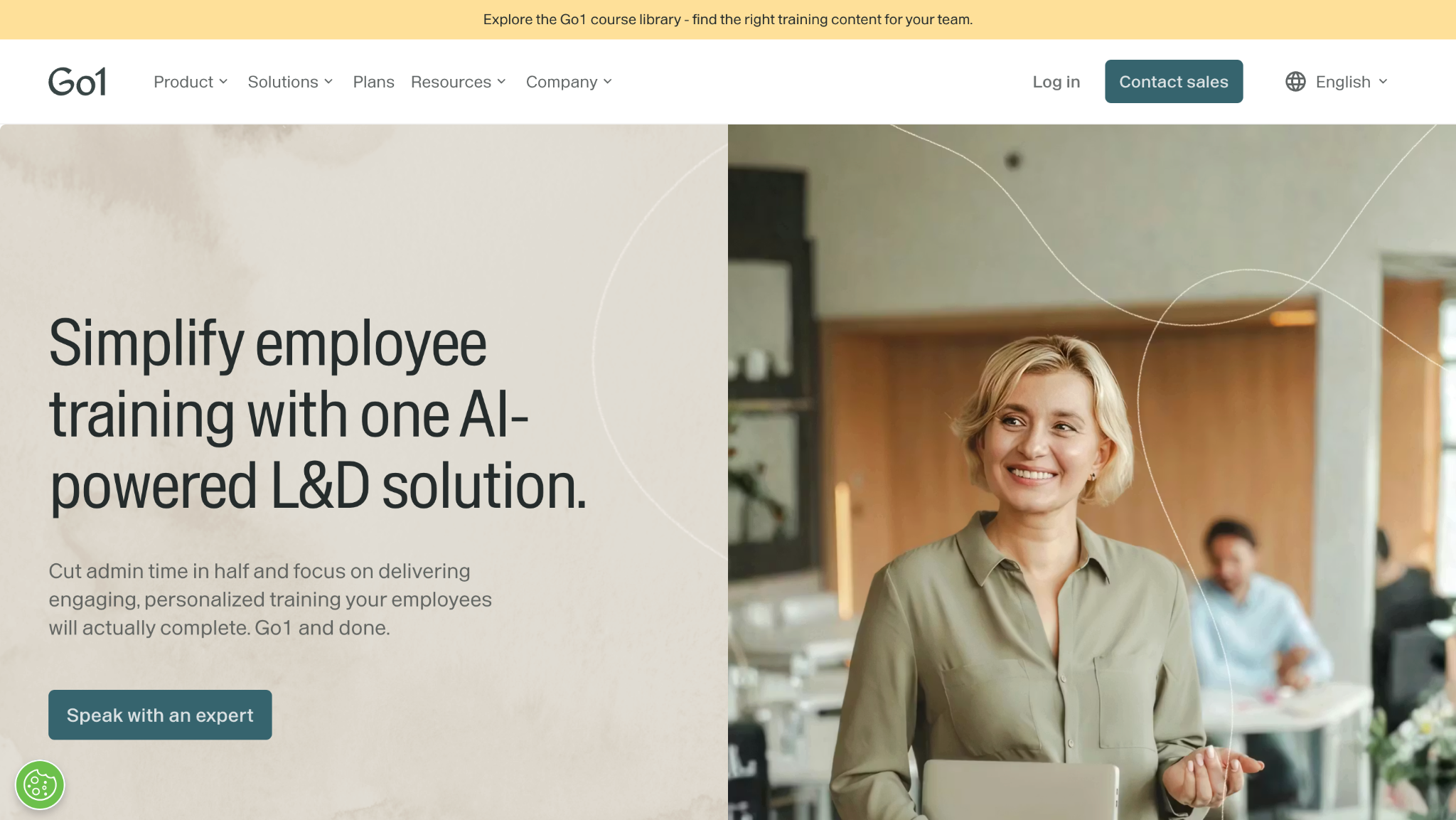
| Go1 | Content aggregator | Filling content gaps inside an LMS | Employees only | 4.3/5 (66) |
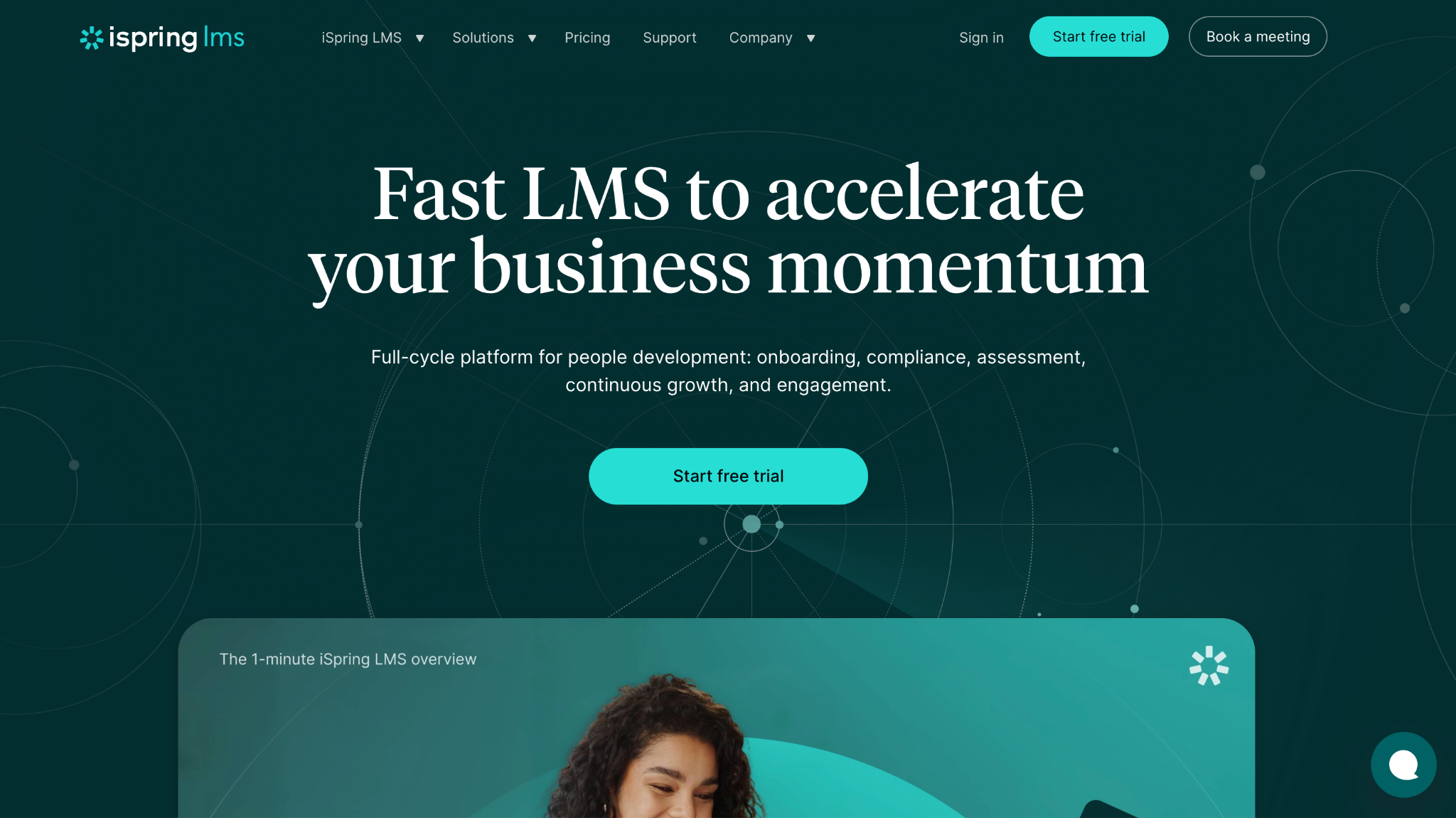
| iSpring Learn | Authoring-led platform | Teams writing their own courses | Employees only | N/A |
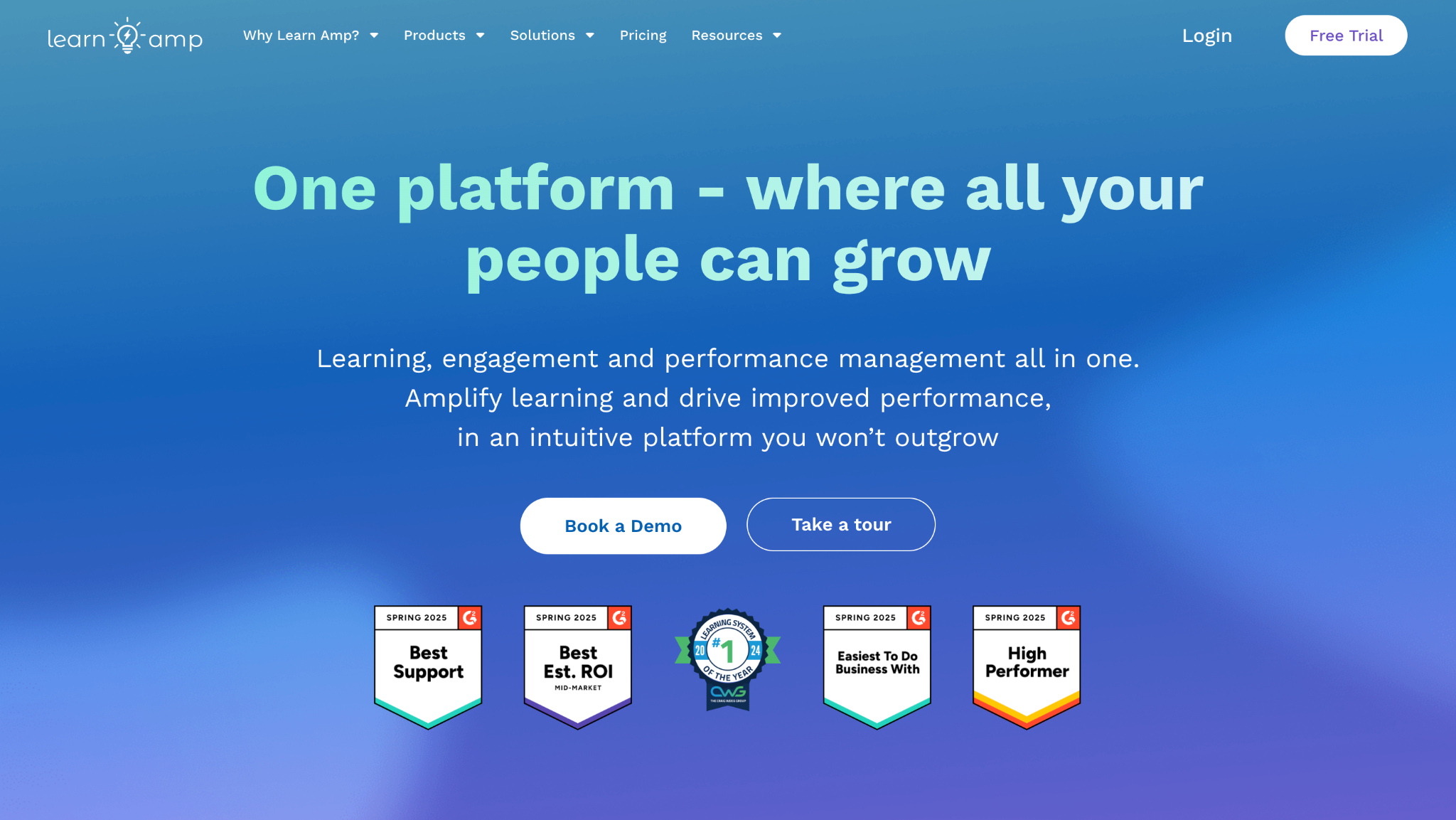
| Learn Amp | Full LMS | Learning plus knowledge sharing | Employees only | 4.8/5 (48) |
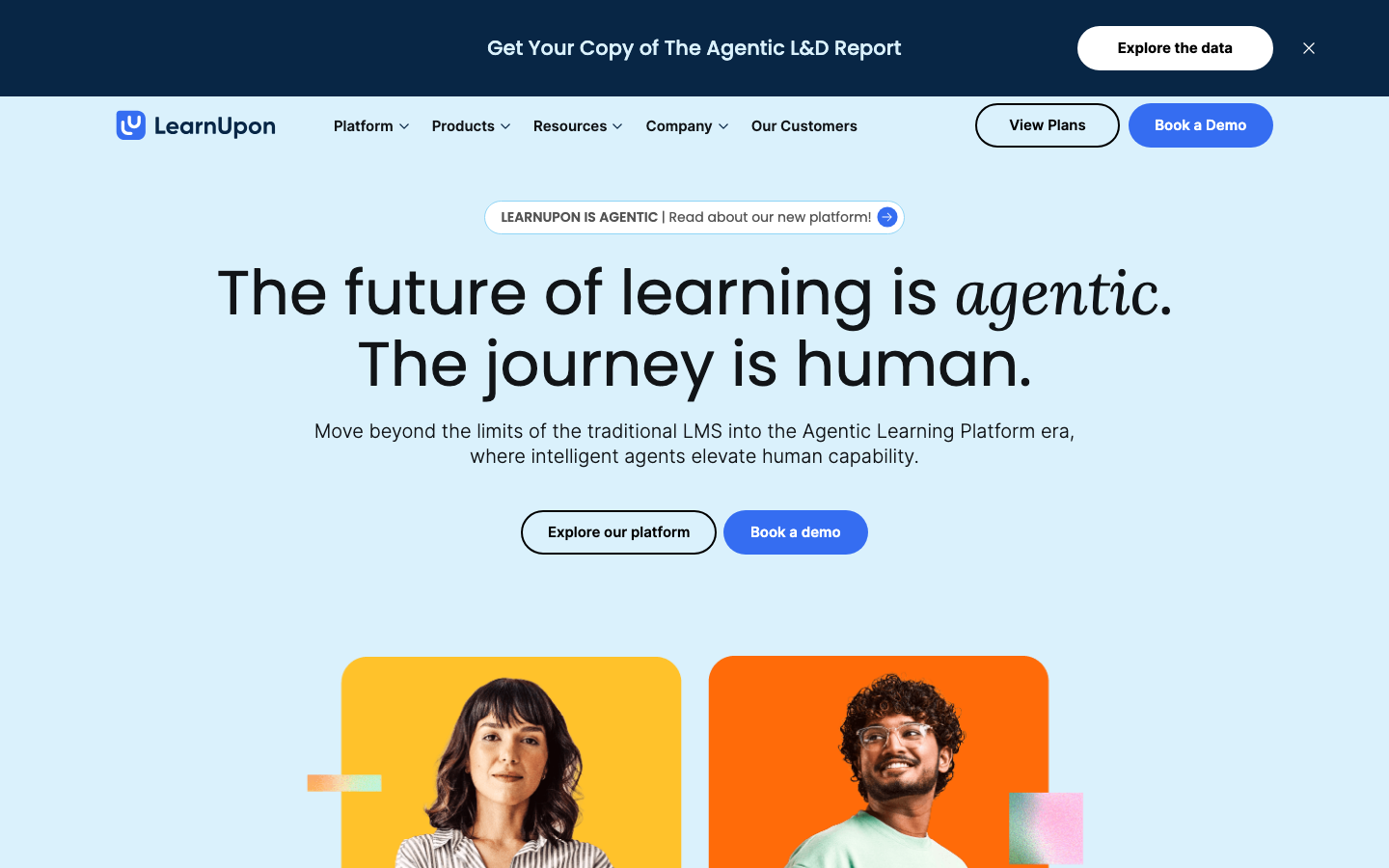
| LearnUpon | Full LMS | Separate portals per audience | Employees plus customers and partners | 4.5/5 (254) |
| LearnWorlds | Authoring-led platform | Branded academies for small teams | Employees plus customers and partners | 4.7/5 (388) |
| Litmos | Full LMS | Straightforward core LMS | Employees plus customers and partners | 4.3/5 (698) |
| Moodle Workplace | Full LMS | Custom, self-configured setups | Employees only | N/A |
| Pluralsight Skills | Content library | Technical upskilling | Employees only | N/A |
| ProProfs Training Maker | Full LMS | AI-built courses without LMS complexity | Not stated | 4.6/5 (38) |
| SAP SuccessFactors Learning | HR-suite learning module | SAP HR customers | Employees only | N/A |
| Schoox | Full LMS | Frontline and multi-location teams | Employees only | 4.7/5 (57) |
| Seismic Learning | Full LMS | Sales and support practice | Employees only | N/A |
| Skill Lake | Full LMS | Mid-size skills and compliance | Employees only | N/A |
| Skillsoft Percipio | Content library | Leadership and business content | Employees only | 4.1/5 (107) |
| TalentCards | Microlearning app | Deskless mobile microlearning | Employees only | 4.8/5 (26) |
| TalentLMS | Full LMS | SMBs launching fast | Employees plus customers and partners | 4.6/5 (809) |
| Tovuti LMS | Full LMS | Training plus engagement hub | Employees plus customers and partners | 4.6/5 (296) |
| Trainual | Process and SOP tool | Documenting processes and SOPs | Employees only | 4.7/5 (1,075) |
| Udemy Business | Content library | Broad self-directed catalog | Employees only | 4.5/5 (736) |
| Workday Learning | HR-suite learning module | Workday customers | Employees only | 4.1/5 (31) |
| Zoho Learn | Process and SOP tool | Zoho-based small teams | Employees only | 4.5/5 (177) |
Ratings from each tool’s public G2 profile, checked in September 2026.
Quick Picks by Training Need
If you already know the job, start with these shortlists, listed alphabetically:
Small teams and process documentation: Trainual, TalentLMS, and Zoho Learn. The guide to LMS for small businesses compares more options in that range.
Compliance at scale: Absorb LMS, Cornerstone Learning, SAP SuccessFactors Learning, and Workday Learning.
Technical and engineering upskilling: Coursera for Business, Pluralsight Skills, and Udemy Business.
Frontline, deskless, and mobile teams: Schoox, TalentCards, and TalentLMS, the most practical employee training apps on this list for staff without a desk.
Licensing a course library rather than writing your own: BizLibrary, Go1, and Skillsoft Percipio.
Training customers and partners alongside employees: Docebo, LearnUpon, Litmos, and Tovuti LMS.
INSIGHT: Platform, content, or both?
Before comparing features, sort the list by what each tool actually sells. Mixing up a delivery platform and a course catalog is the costliest error buyers make.
- Delivery platforms (Absorb, Docebo, LearnUpon, TalentLMS, Tovuti, and others): you supply the courses, and the software handles assignments, tracking, and reports.
- Course catalogs (BizLibrary, Coursera for Business, Skillsoft Percipio, Udemy Business): you pay mainly for the lessons, with lighter admin tools attached.
- Builders and playbooks (iSpring Learn, Trainual): strongest at producing material, thinner on running a program.
- Mobile cards and HR-suite add-ons (TalentCards, Workday Learning, SAP SuccessFactors Learning): bite-size lessons on a phone, or learning inside an HR system you already run.
Sources:
all checked September 2026
How AI Is Changing Employee Training
AI now shows up in 4 distinct places on this list, and vendors mean different things by it. Course generation is the most common. TalentLMS, LearnWorlds, iSpring, Litmos, and TalentCards build draft courses or tests from a prompt or document; Workday Learning includes an AI authoring agent, and Tovuti sells WayPoints AI authoring as an add-on.
Recommendations and learning paths come next: 360Learning, Go1, BizLibrary, and SAP SuccessFactors Learning all describe AI-driven course suggestions. Administration is the quieter use, with AI translation at 360Learning, Docebo, and TalentLMS and AI video tagging at Litmos.
Feedback and practice matter most for customer-facing roles. If you are comparing the best AI feedback software for employee training, Seismic Learning is the most direct fit here, with AI role-plays and in-the-moment feedback for reps. Skillsoft’s AI simulations, Cornerstone’s AI Companion, and Docebo’s Roleplay cover similar ground.
Treat every list of the best AI tools for employee training with care. AI-generated lessons still need a subject-matter expert to check them, and “AI-powered” on a pricing page often means recommendations rather than authoring. Ask for a live demo of the exact feature before paying.
Employee Training Software Pricing
Pricing in this category follows 4 models, and vendors are not consistent about them. Some charge per active user (people who log in during the month), while others bill for every registered account. Many use tiered plans set by user bands. Udemy Business and Coursera for Business sell annual seats to their catalogs, while Workday, SAP, and Cornerstone fold learning into a wider HR agreement. Most vendors below publish no figures and quote only after a demo, so budget time for that step.
| Tool | Pricing model | Free plan or trial | Starting price |
|---|---|---|---|
| 360Learning | Per user, per month (Team plan up to 100 users) | Trial only | $8 per user per month (Team) |
| Absorb LMS | Quote-based | No | Custom pricing |
| Adobe Learning Manager | Enterprise licensing, quote-based | Demo on request | Custom pricing |
| BizLibrary | LMS plus content bundle, quote-based | No | Custom pricing |
| Bridge | Annual plans by audience | No | $15,000 per year (plans start) |
| Continu | Plans for 500 to 50,000 users, quote-based | No | Custom pricing |
| Cornerstone Learning | Talent suite licensing, quote-based | No | Custom pricing |
| Coursera for Business | Per user, per year (Teams, 2 to 499 users) | No (14-day refund) | €346.05 per user per year (Teams, shown in euros) |
| CYPHER Learning | Quote-based | No | Custom pricing |
| D2L Brightspace for Business | Quote-based | Demo on request | Custom pricing |
| Docebo | Quote-based | No | Custom pricing |
| Go1 | Content subscription, quote-based | No | Custom pricing |
| iSpring Learn | Per active user, per month, billed annually | Trial only | €6.61 per active user per month (100 users, shown in euros) |
| Learn Amp | Per user, per month, billed annually | No | Custom pricing |
| LearnUpon | Quote-based | No | Custom pricing |
| LearnWorlds | Tiered by active learners | Trial only (30 days) | $24 per month, billed annually (Starter) |
| Litmos | Tiered plans, quote-based | No | Custom pricing |
| Moodle Workplace | Licensed through Moodle partners | Demo on request | Custom pricing |
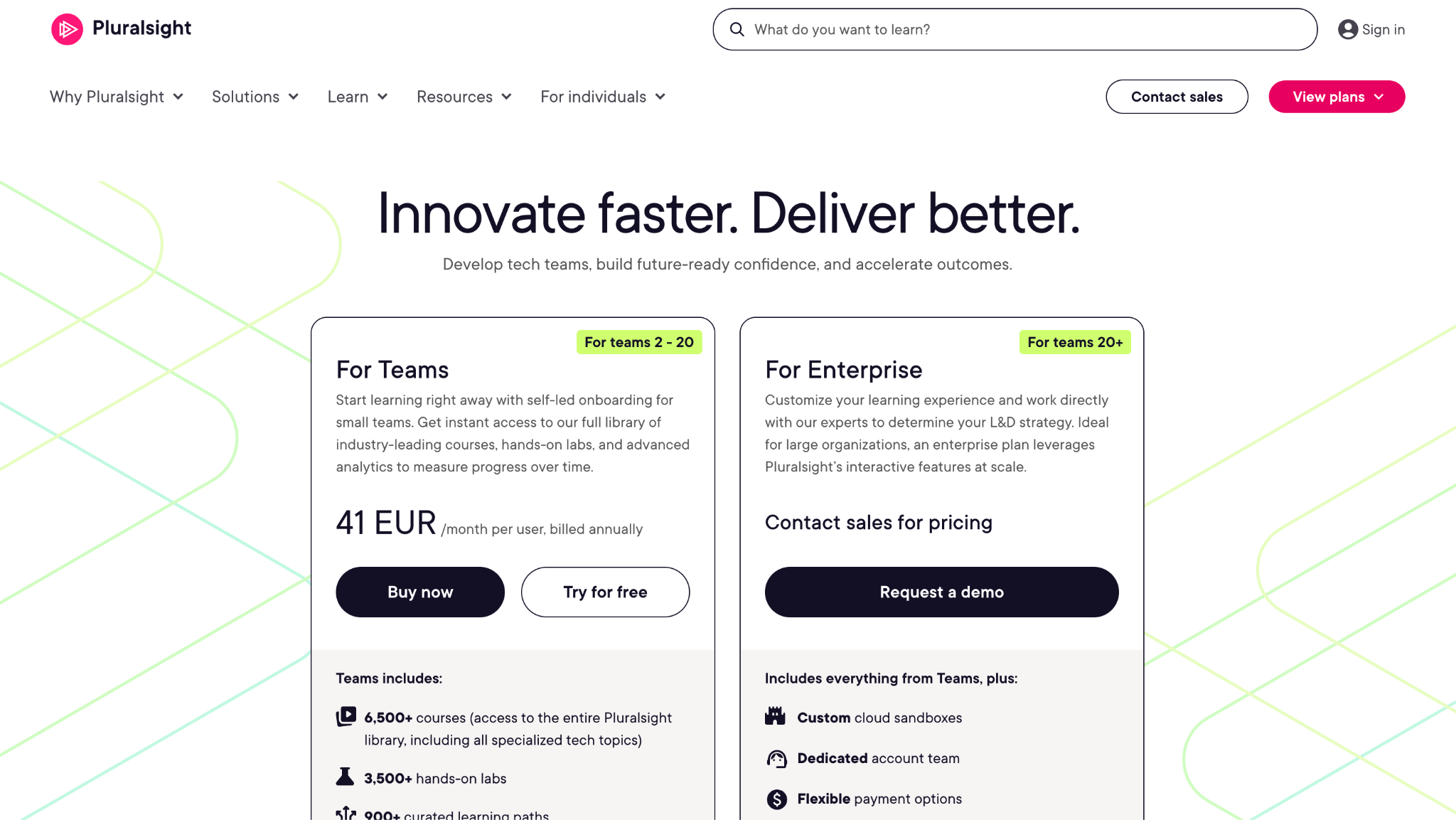
| Pluralsight Skills | Per user, per month, billed annually | Trial only (14 days) | €41 per user per month (Teams, shown in euros) |
| ProProfs Training Maker | Per active learner, per month | Free plan (up to 10 learners) plus free trial on paid plans | $1.99 per active learner per month (Essentials, annual billing – $23.88 per learner/year) |
| SAP SuccessFactors Learning | HR suite licensing, quote-based | Demo on request | Custom pricing |
| Schoox | Quote-based | No | Custom pricing |
| Seismic Learning | Quote-based | No | Custom pricing |
| Skill Lake | Per user, quote-based | No | Custom pricing |
| Skillsoft Percipio | Subscription, quote-based | No | Custom pricing |
| TalentCards | Per user, per month, tiered | Yes (free plan) | $0.80 per user per month |
| TalentLMS | Tiered by user bands | Yes (free plan) | $119 per month, billed yearly (Core, up to 40 users) |
| Tovuti LMS | Per annual learner, all-inclusive | No | $7,500 per year (100 annual learners) |
| Trainual | Tiered plans, quote-based ($1,000 implementation fee) | No | Custom pricing |
| Udemy Business | Per user, per year (Team Plan) | Trial only (14 days) | €336 per user per year (Team Plan, shown in euros) |
| Workday Learning | HR suite licensing, quote-based | Demo on request | Custom pricing |
| Zoho Learn | Per-user tiers | Yes (free plan) | Free for up to 5 users |
*As pricing is subject to change, prices are listed as they stand in September 2026.
How to Choose Employee Training Software
I start with 1 question: am I buying a place to put my own content, the content itself, or both? That single answer splits this list roughly in half.
Next, I check the audience. If customers or partners need training too, a staff training platform built only for employees will force a second purchase later.
Authoring comes third. Some tools expect finished SCORM files, while others build courses with you, so match that to whoever will actually write the material.
Then I read the pricing unit. Per-active-user billing stays flat when accounts sit idle, while per-registered-user billing grows with headcount whether people learn or not.
Integration with the HRIS matters more than it looks, because training records that live apart from job and manager data go stale fast. Enterprise buyers comparing HR-connected systems can use a review of corporate learning management systems that focuses on large-scale LMS rollouts.
For new hires, check whether the tool handles the first weeks well or only formal courses; dedicated employee onboarding software covers paperwork and first-day tasks that an LMS usually skips.
Finally, I look at what managers see. A completion percentage isn’t evidence of skill, so I favor tools that report assessments, practice, or observed performance.
Top 32 Employee Training Tools for 2026
I reviewed each platform on the job it is built for: onboarding, compliance, skills development, or continuous learning. The result is my shortlist of the best employee training software 2026 has to offer, from full LMS platforms to content libraries and microlearning apps.
I’m listing all providers in alphabetical order to keep things simple and neutral.
360Learning
Quick Overview:
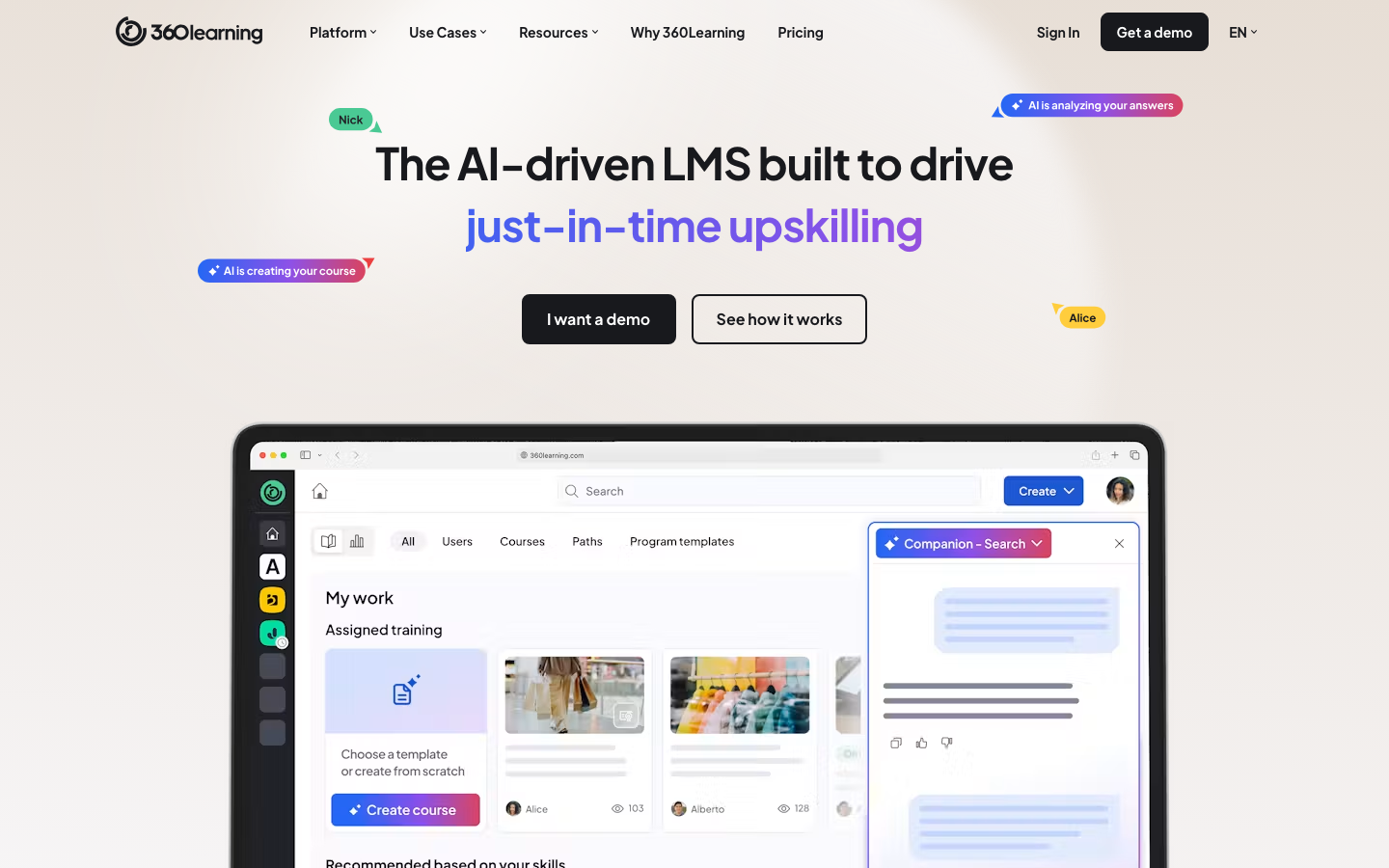
360Learning is a collaborative learning platform where teams build courses together and share expertise across the company. It centers on peer input and fast course creation rather than top-down training alone, and many organizations run it as one of their main online employee training platforms for skills and product knowledge.
Software Pros:
- Strong focus on collaborative learning and peer input
- Built-in tools for course creation by subject-matter experts
- Good engagement features (comments, reactions, social elements)
Software Cons:
- May feel complex for very small teams
- Works best if employees are ready to contribute content
360Learning Review:
The first thing I tested with 360Learning was how quickly an in-house expert could publish a course without the L&D team rewriting it. Co-authoring, comments, and reactions sit inside every lesson, and the platform now adds AI-assisted authoring and translations. It rewards companies where people are willing to teach each other, and it feels flat where they are not.
Our Verdict
Collaborative Learning At Scale
Absorb LMS
Quick Overview:
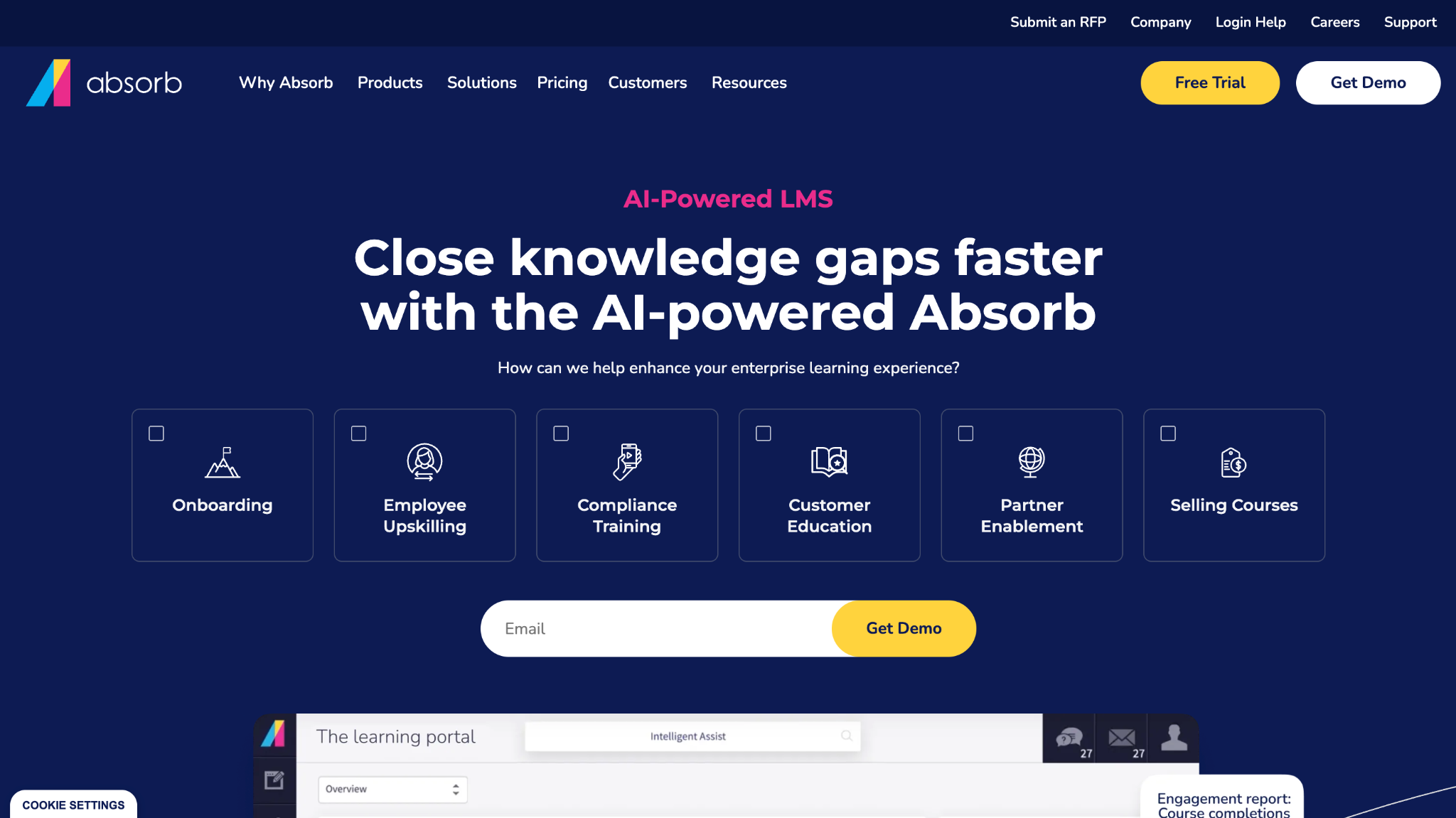
Absorb LMS is a cloud LMS used as employee training software by mid-size and large organizations. It handles course hosting, compliance tracking, e-commerce, and training for partners or customers from 1 system.
Software Pros:
- Supports complex organizational structures and audiences
- Strong reporting and compliance features
- Modern interface for learners and admins
Software Cons:
- Setup and configuration can take time
- May feel heavy for very small businesses
Absorb LMS Review:
Absorb stood out for how cleanly it separates audiences. Content can be split by team, region, or external group while every report still rolls up in 1 place. For organizations that need structure across many groups, that consistency saves real admin hours once the initial configuration is done.
Our Verdict
Scalable LMS For Growing Orgs
Adobe Learning Manager
Quick Overview:
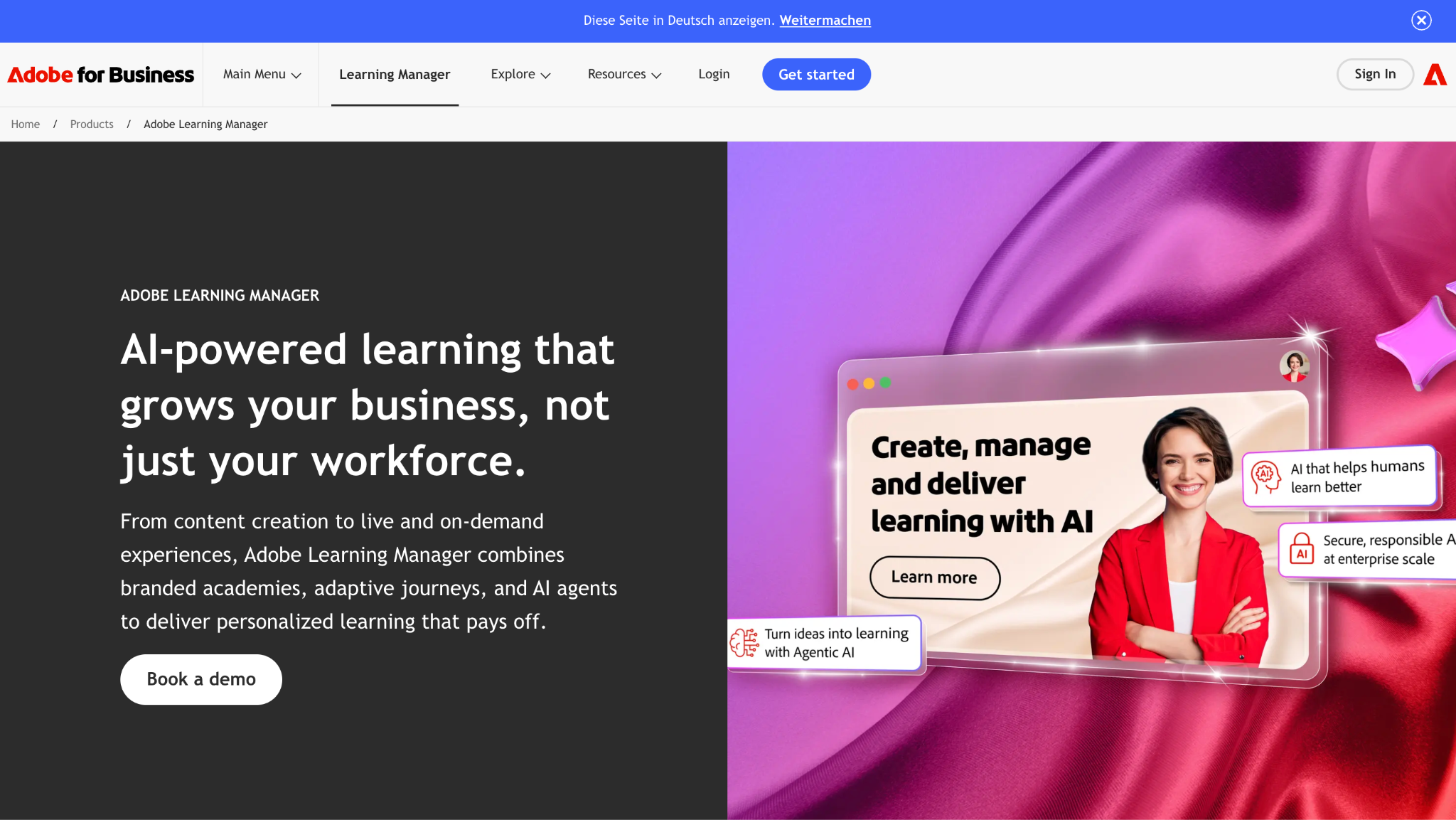
Adobe Learning Manager is employee training software for enterprises that care about content delivery and branding. It supports blended learning, certifications, branded academies, and adaptive learning journeys that Adobe now describes as AI-powered.
Software Pros:
- Wide support for content formats and SCORM
- Strong branding and experience control
- Recommendations and learning paths
Software Cons:
- Enterprise-focused pricing and setup
- Interface can feel dense to new admins
Adobe Learning Manager Review:
Presentation is where Adobe Learning Manager earns its keep. Learning paths, skills, and branded portals are designed for large companies that already invest in polished content and want a controlled place to show it. Smaller teams will find the admin side heavier than they need.
Our Verdict
Branded Enterprise Learning Hub
BizLibrary
Quick Overview:
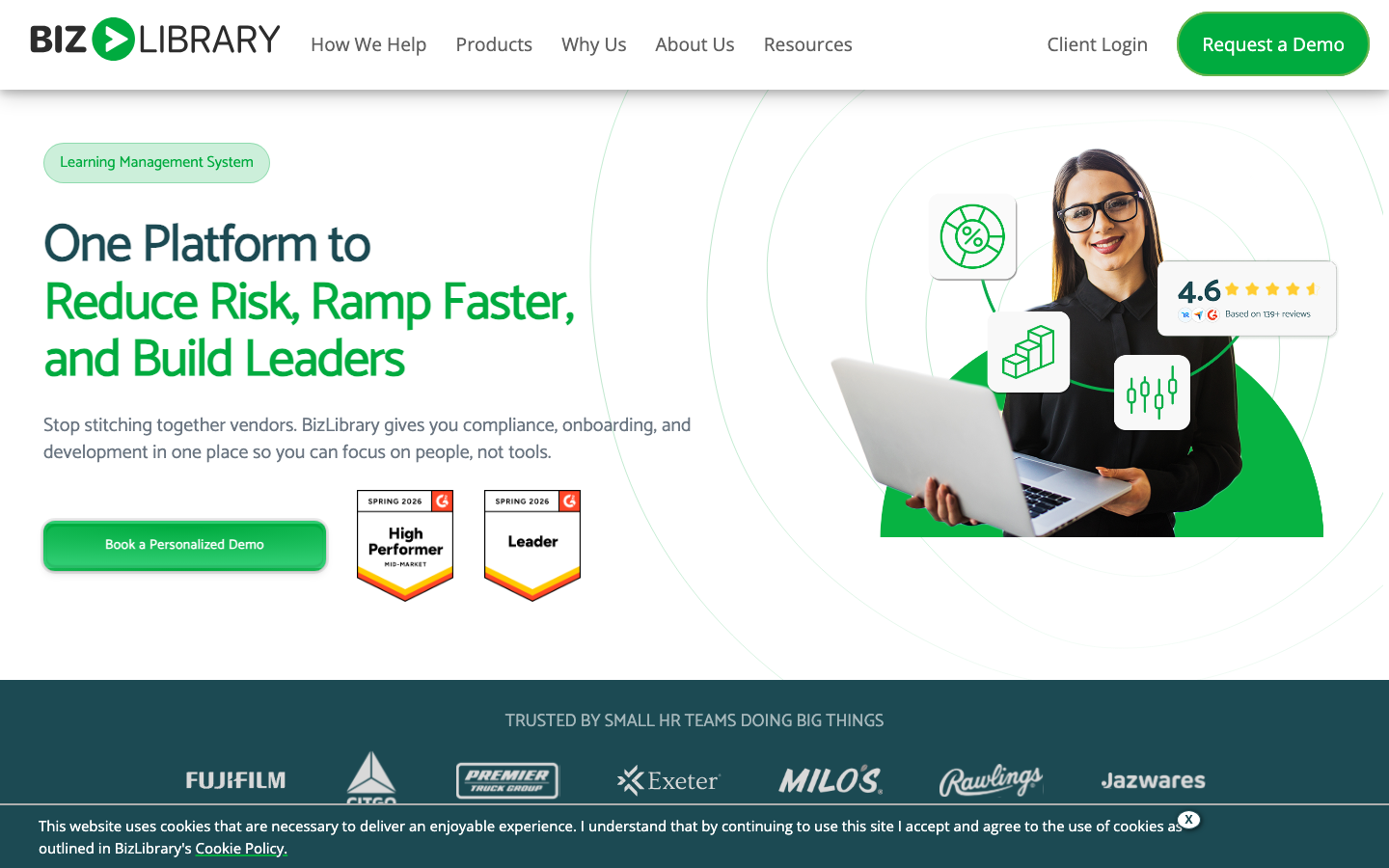
BizLibrary pairs employee training tools with a large library of ready-made courses on soft skills, compliance, and management, plus an LMS to deliver them. Organizations pick it when they want content and a platform under 1 contract.
Software Pros:
- Large catalog of short video courses
- LMS and content available together
- Good option for quick program launches
Software Cons:
- Library focus may limit custom course design
- Best value if you use a lot of their content
BizLibrary Review:
My main question with BizLibrary was how far a team could get on the built-in library alone, and the answer is further than expected. Short, targeted videos let a program launch without building from scratch, and an optional AI module adds personalized recommendations. It pays off most for buyers who plan to lean on that catalog.
Our Verdict
Content-First Training Bundle
Bridge
Quick Overview:
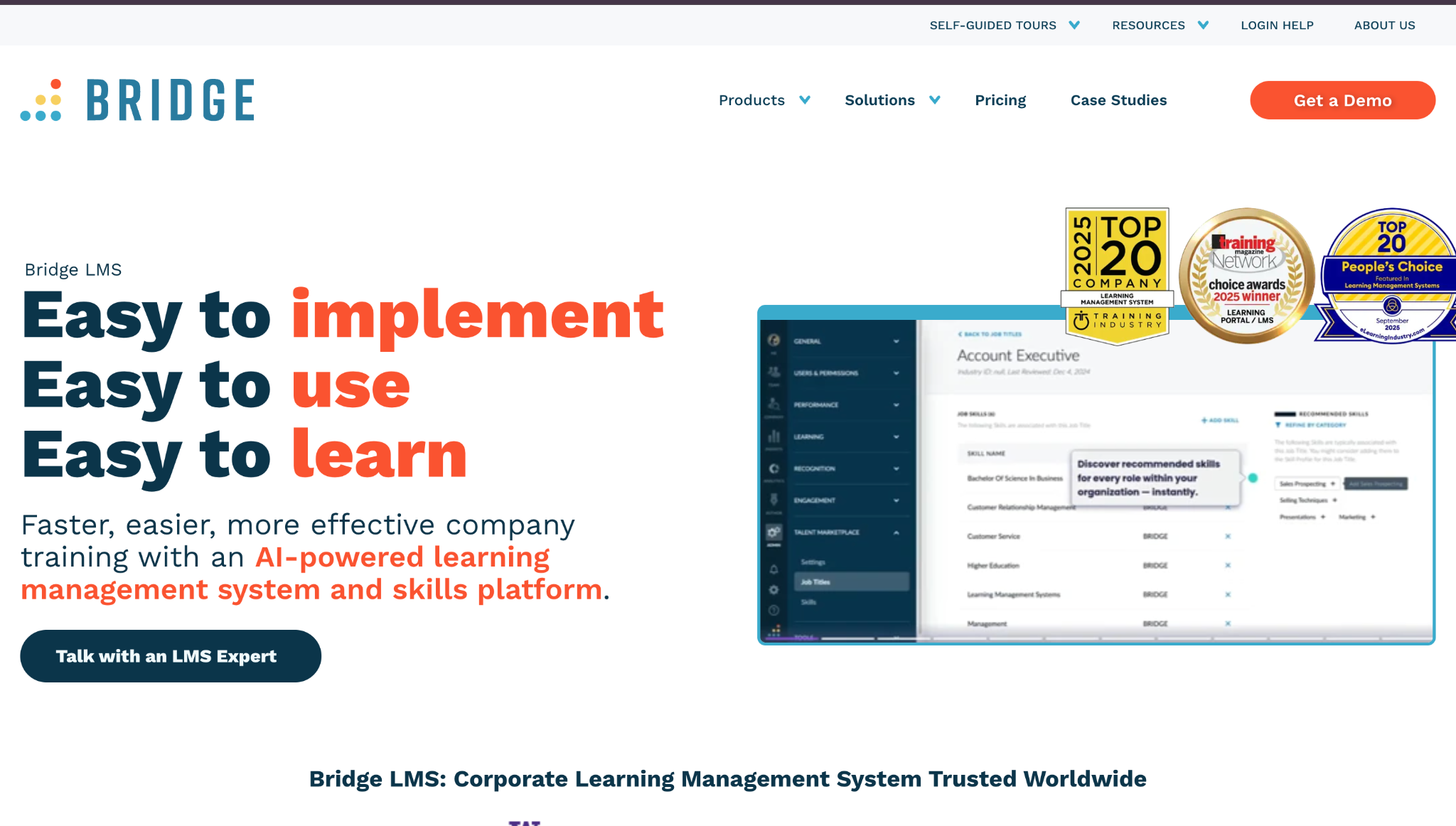
Bridge is employee training software that combines learning with performance and engagement tools. It supports course delivery, skills tracking, and manager check-ins, and its higher plans extend training to external groups.
Software Pros:
- Links learning with performance and goals
- Clean learner experience
- Useful for tracking skills over time
Software Cons:
- Less focused on huge external audiences
- Requires clear internal ownership to set up
Bridge Review:
What sets Bridge apart is how naturally courses fit into performance conversations. Development plans, check-ins, and assigned learning live side by side, so training shows up in day-to-day management instead of a separate system. It suits teams whose managers actually hold those conversations.
Our Verdict
Learning Tied To Performance
Continu
Quick Overview:
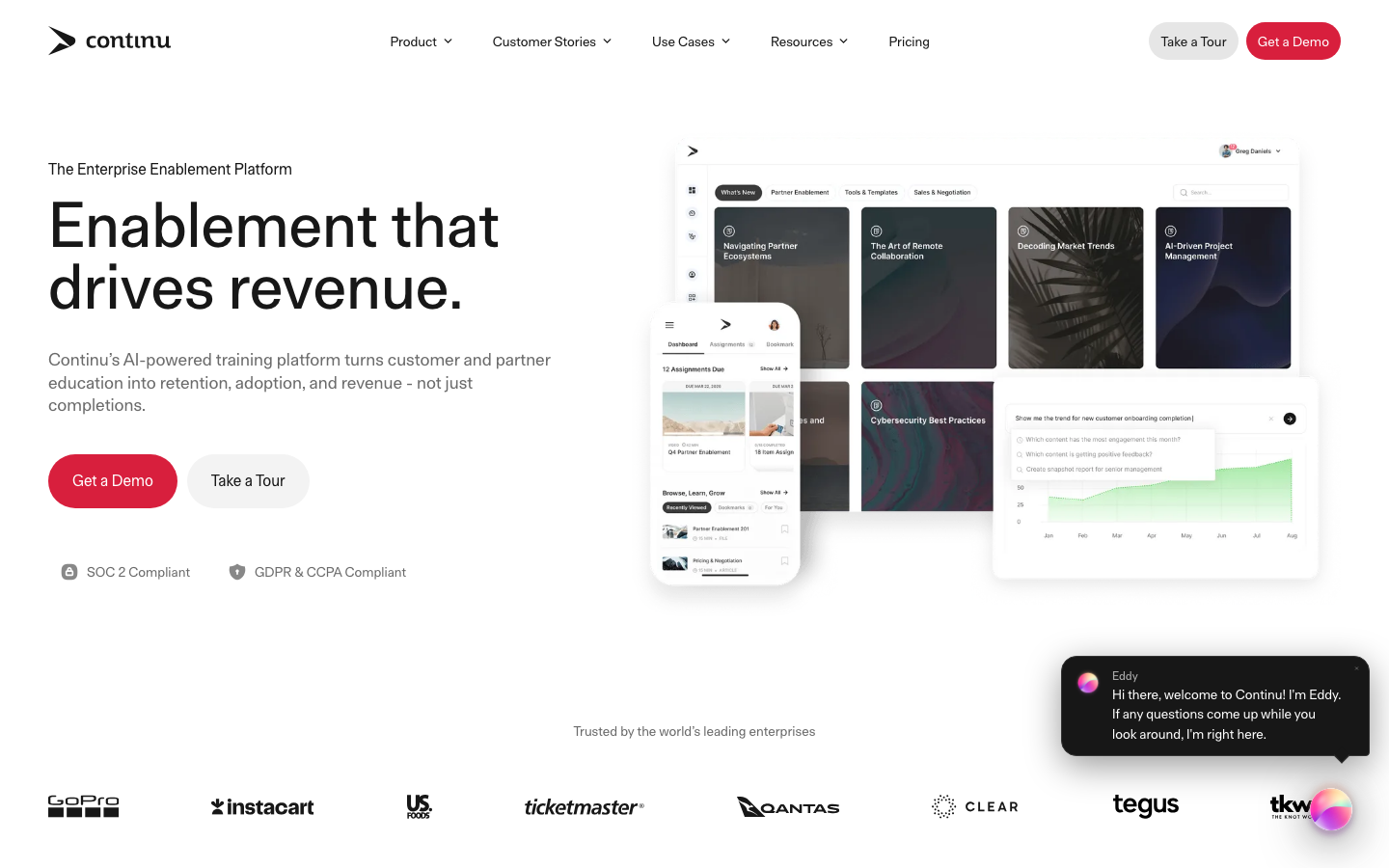
Continu is a modern learning platform built for continuous development across teams, blending courses, microlearning, and coaching content in 1 interface. Companies use it as one of their core employee training software solutions for onboarding and ongoing growth.
Software Pros:
- Clean, modern learner experience
- Good support for continuous learning flows
- Flexible enough for different content types
Software Cons:
- Less focused on large external customer training
- Needs some upfront design to get the best from it
Continu Review:
Continu keeps pulling learners back with short, frequent touchpoints rather than relying on big annual courses. Its pricing page lists Continu AI, video coaching, and external audiences on higher plans, aimed at organizations with 500+ users. Teams that want learning woven into ordinary work weeks will get the most from it.
Our Verdict
Continuous Learning Made Practical
Cornerstone Learning
Quick Overview:
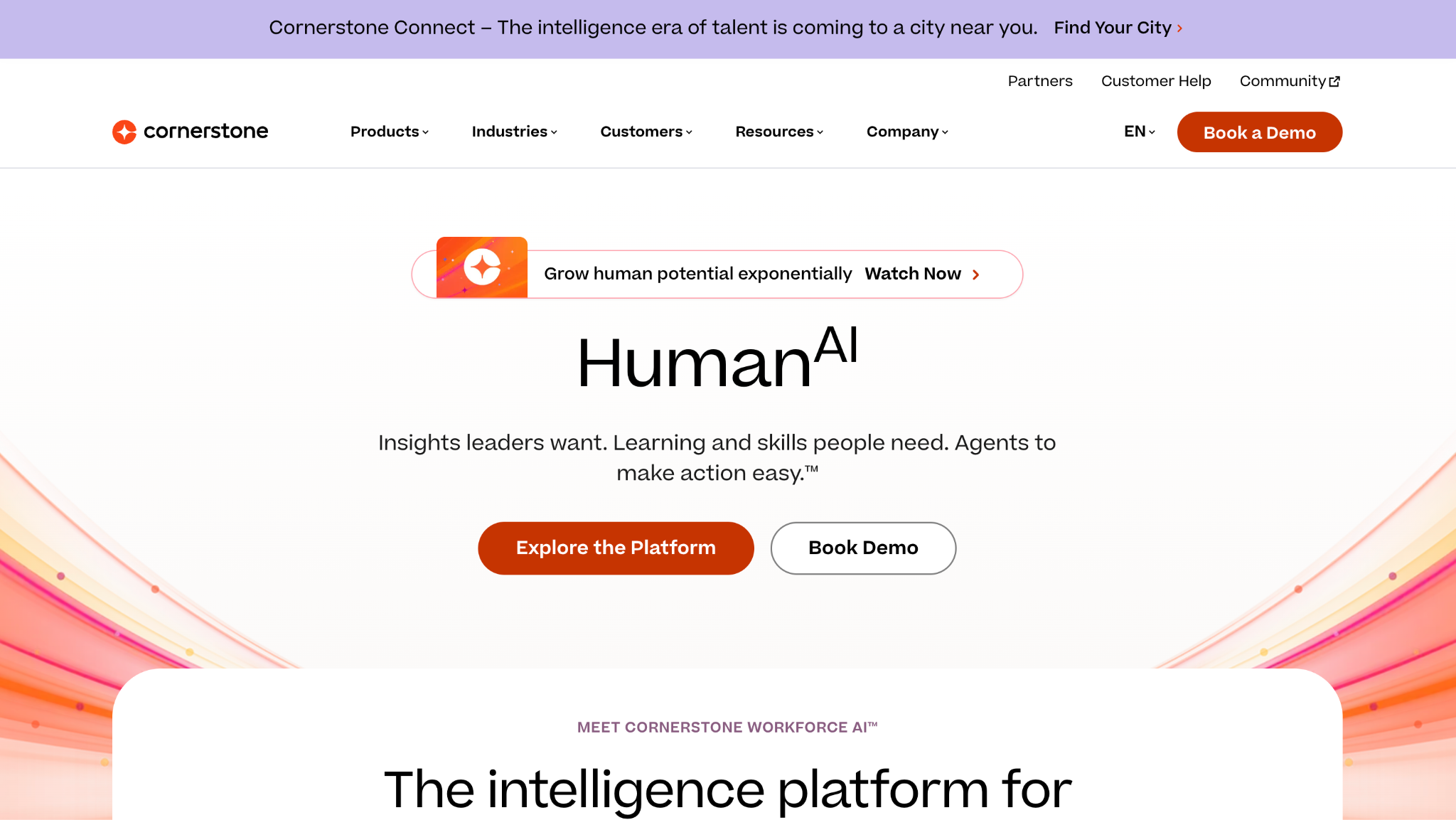
Cornerstone Learning is the learning module of the wider Cornerstone talent suite. It serves enterprises with complex compliance, skills, and career path needs, and Cornerstone now adds AI-based learning and its Immerse AI Companion.
Software Pros:
- Deep features for compliance and skills frameworks
- Strong support for large, global organizations
- Tight ties to performance and talent modules
Software Cons:
- Enterprise complexity and implementation effort
- Interface can feel heavy without training
Cornerstone Learning Review:
I used scale as the lens for Cornerstone, and it holds up across many regions and roles at once. Training, skills, and compliance stay aligned in 1 backbone. It fits organizations that have outgrown simple training tools for employees and want learning tied directly to talent management.
Our Verdict
Enterprise Learning And Talent Core
Coursera for Business
Quick Overview:
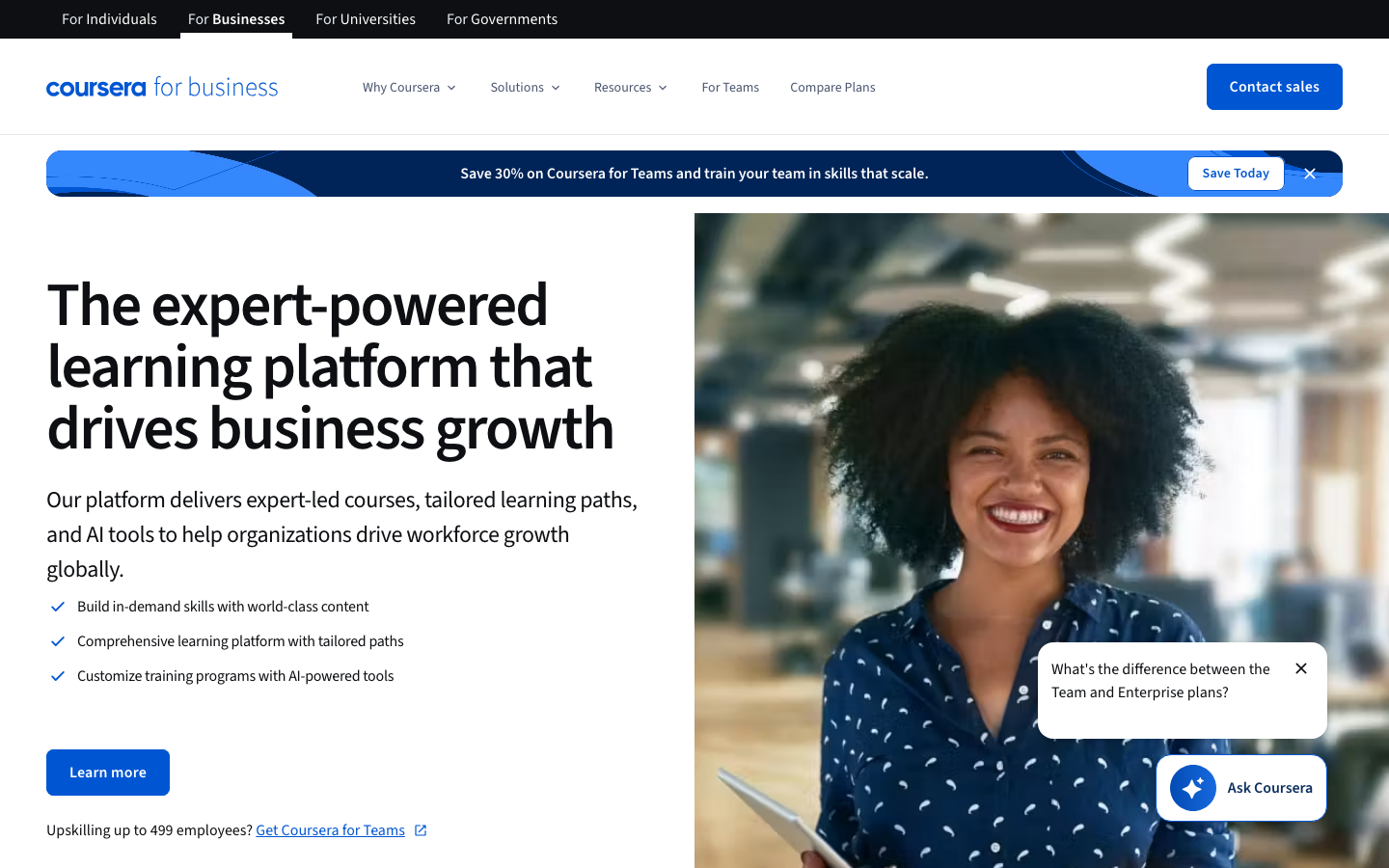
Coursera for Business brings courses, specializations, and certificates from universities and companies into corporate programs. Coursera completed its all-stock combination with Udemy on May 11, 2026, so both catalogs now belong to 1 company, though each is still sold separately. Most buyers use it for AI, data, and technical upskilling.
Software Pros:
- Access to university-level and vendor content
- Recognized certificates in key skill areas
- Broad catalog across many domains
Software Cons:
- Less control over course design
- Not a full LMS for internal content and workflows
Coursera for Business Review:
Coursera for Business adds depth, not administration. It covers technical and professional topics most companies could never build internally, and Coursera lists Coach, Role Play, and Course Builder among its generative AI features. Since Coursera now owns Udemy, anyone holding both subscriptions should read the Udemy Business entry before renewing either.
Our Verdict
External Content For Deep Skills
INSIGHT: What does the Coursera and Udemy merger mean for buyers?
2 of the largest content catalogs on this list now belong to 1 company, which changes how you plan a content strategy built on both.
- The deal was announced on December 17, 2025, approved by stockholders on April 9, 2026, and closed on May 11, 2026. Udemy became a wholly owned subsidiary of Coursera, and its stock was delisted from NASDAQ.
- Coursera’s announcement cites learning signals from more than 290 million learners and workforce insights from 18,000 enterprise customers.
- Open questions for buyers: whether the 2 catalogs stay separately sold, how renewal terms change, and whether overlapping subscriptions can be consolidated.
CYPHER Learning
Quick Overview:
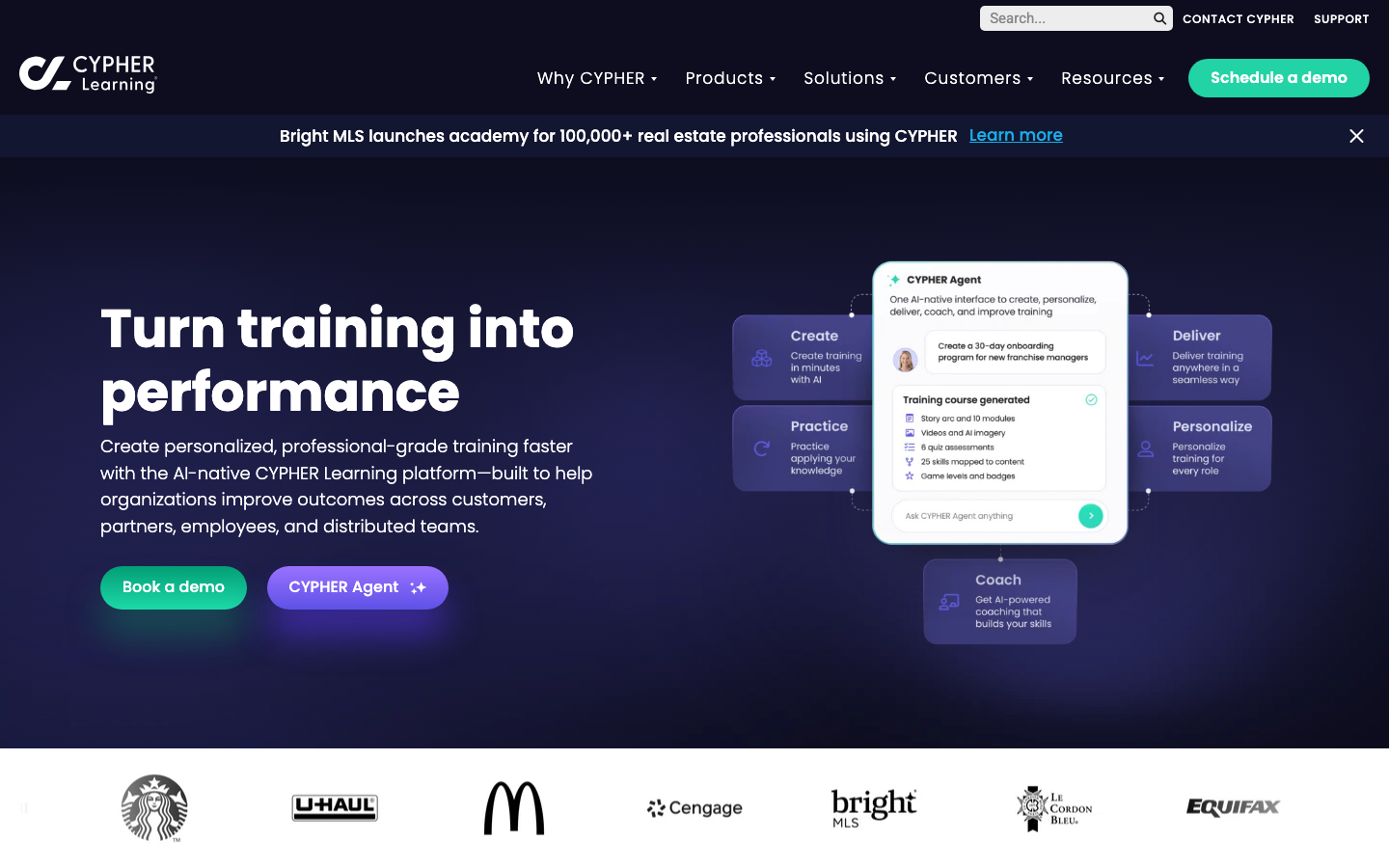
CYPHER Learning offers LMS platforms for business, education, and entrepreneurs. Its business edition is employee training software for mid-size companies that want automation, modern design, and an AI agent for learning management.
Software Pros:
- Automation for enrollments and reminders
- Modern, mobile-friendly experience
- Good support for blended and online programs
Software Cons:
- Interface has many options and menus
- Needs careful setup to match complex structures
CYPHER Learning Review:
Automation is the reason to look at CYPHER Learning. Rules for enrollments, due dates, and notifications take a lot of manual chasing off an admin’s plate, and the vendor pitches its AI agent as the next layer on top. Plan the setup carefully, because the menus are deep.
Our Verdict
Automation-Friendly LMS For Business
D2L Brightspace for Business
Quick Overview:
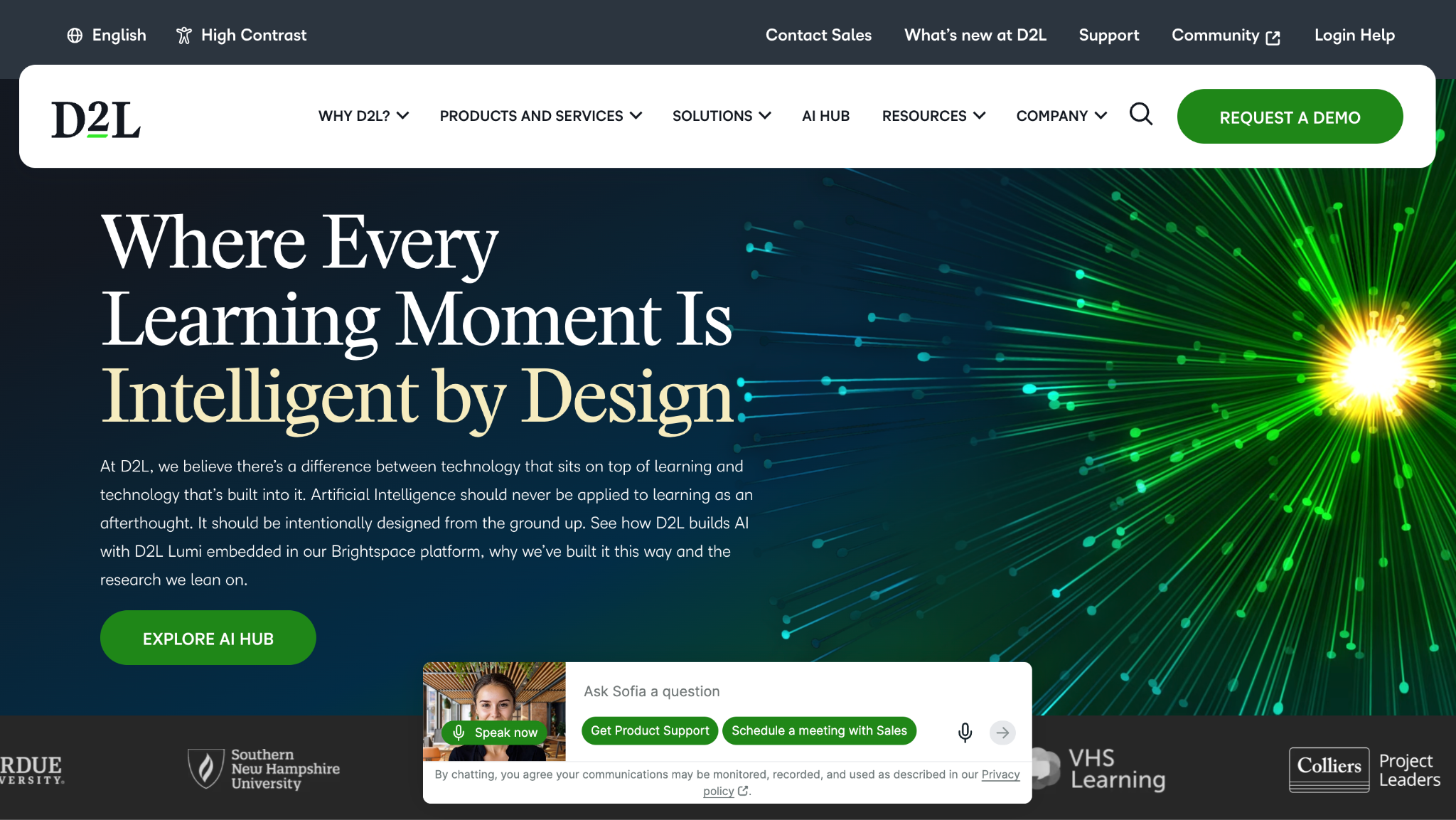
D2L Brightspace is employee training software for companies that want flexibility in course design and delivery. It supports blended learning, competencies, and detailed reporting for compliance and skills programs.
Software Pros:
- Strong support for competency-based learning
- Flexible course and program structures
- Good analytics and reporting options
Software Cons:
- Setup can feel complex at first
- Best value when used for serious, long-term programs
D2L Brightspace Review:
Brightspace rewards patience. Its structure favors real learning paths mapped to competencies and role expectations over quick one-off modules. Companies running long, carefully designed development programs will use what it offers; teams that only need compliance clicks will pay for depth they skip.
Our Verdict
Structured Programs And Competencies
Docebo
Quick Overview:
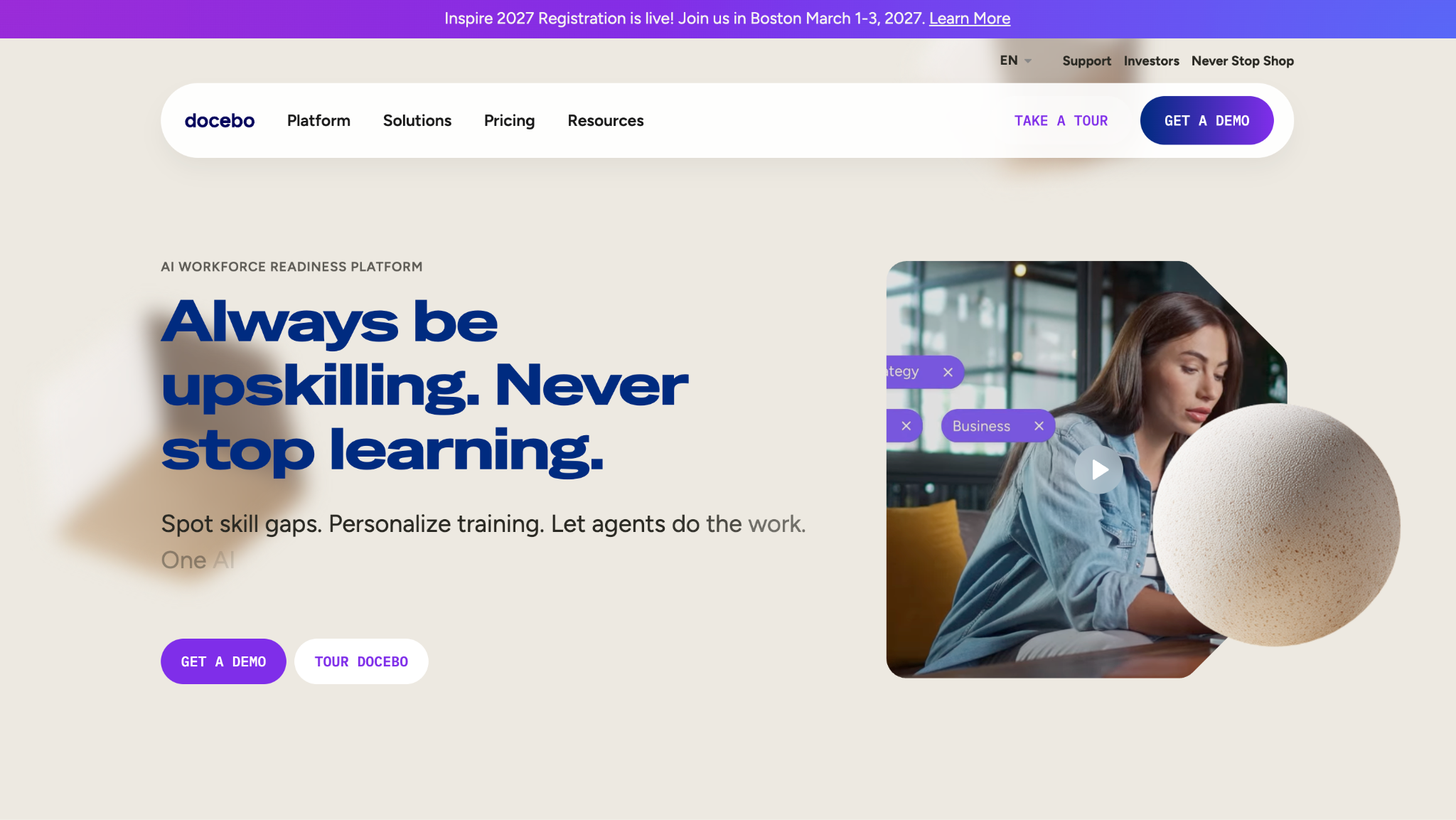
Docebo is an AI-enhanced LMS and employee training software built for scale. It supports internal training, customer education, and partner learning in one system, with AI content creation, instant translations, and an AI assistant listed on its pricing page.
Software Pros:
- Strong support for multiple audiences
- AI-driven recommendations and automation
- Broad integration options
Software Cons:
- Interface can feel complex for new admins
- Pricing and configuration lean toward mid-size and enterprise
Docebo Review:
Running several audiences at once is where Docebo is strongest. Employees, partners, and customers each get their own experience, while reporting stays unified. Its Roleplay feature adds practice for customer-facing staff. The trade-off is a demanding admin console that rewards a dedicated owner.
Our Verdict
Multi-Audience, AI-Driven LMS
Go1
Software Pros:
- Access to a large multi-provider content catalog
- Integrations with many LMS and HR systems
- Good for filling content gaps quickly
Software Cons:
- Relies on external content quality and curation
- Not a full LMS for program design
Go1 Review:
Go1 makes most sense as a layer, not a foundation. Instead of signing contracts with publisher after publisher, a team adds a broad catalog to the system it already runs. Buy it to fill gaps in an LMS you like, not to replace one.
Our Verdict
Content Layer For Existing LMS
iSpring Learn
Software Pros:
- Strong pairing with an authoring tool
- Clear learning paths and reporting
- Good for teams building many custom courses
Software Cons:
- Less focused on huge external audiences
- Interface is more functional than flashy
iSpring Learn Review:
I measured speed from idea to published module with iSpring, and it is hard to beat for teams comfortable with PowerPoint-style tools. Authoring and delivery sit so close together that iterating on a course takes minutes. For companies that insist on owning their material, it ranks among the best employee training tools I tested.
Our Verdict
Fast Path From Authoring To LMS
Learn Amp
Quick Overview:
Learn Amp is a learning and engagement platform that combines courses with community, feedback, and resource libraries. Organizations choose it when formal learning and knowledge sharing should live in the same place.
Software Pros:
- Mix of formal and informal learning
- Community and social features
- Focus on engagement, not just completion rates
Software Cons:
- May feel broad if you only need a simple LMS
- Works best when staff are active in the platform
Learn Amp Review:
Learn Amp blends structured courses with discussions, shared resources, and polls, so people contribute instead of only consuming. Its higher plan extends into skills, career growth, and performance. The platform depends on participation, so it thrives in cultures that already share knowledge openly.
Our Verdict
Blended Learning And Knowledge Hub
LearnUpon
Quick Overview:
LearnUpon is a cloud LMS for mid-size and enterprise teams that trains employees, customers, and partners in separate portals. Many companies run it as a single employee training portal for all audiences.
Software Pros:
- Multi-portal support for different learner groups
- Clean admin and learner experience
- Good integrations with HR and CRM tools
Software Cons:
- Needs some design work to build strong programs
- Pricing best suits growing or larger teams
LearnUpon Review:
Audience separation is LearnUpon’s core design choice. Employees, customers, and partners each get their own portal while admins manage everything from 1 account, and its pricing page now lists AI-powered assessments. Organizations that treat training as more than an internal function will appreciate the structure.
Our Verdict
Multi-Audience Training Platform
LearnWorlds
Software Pros:
- Strong tools for interactive video content
- Good site and portal branding options
- Flexible for selling or sharing courses externally
Software Cons:
- Less focused on complex HR integrations
- Not designed purely for internal compliance training
LearnWorlds Review:
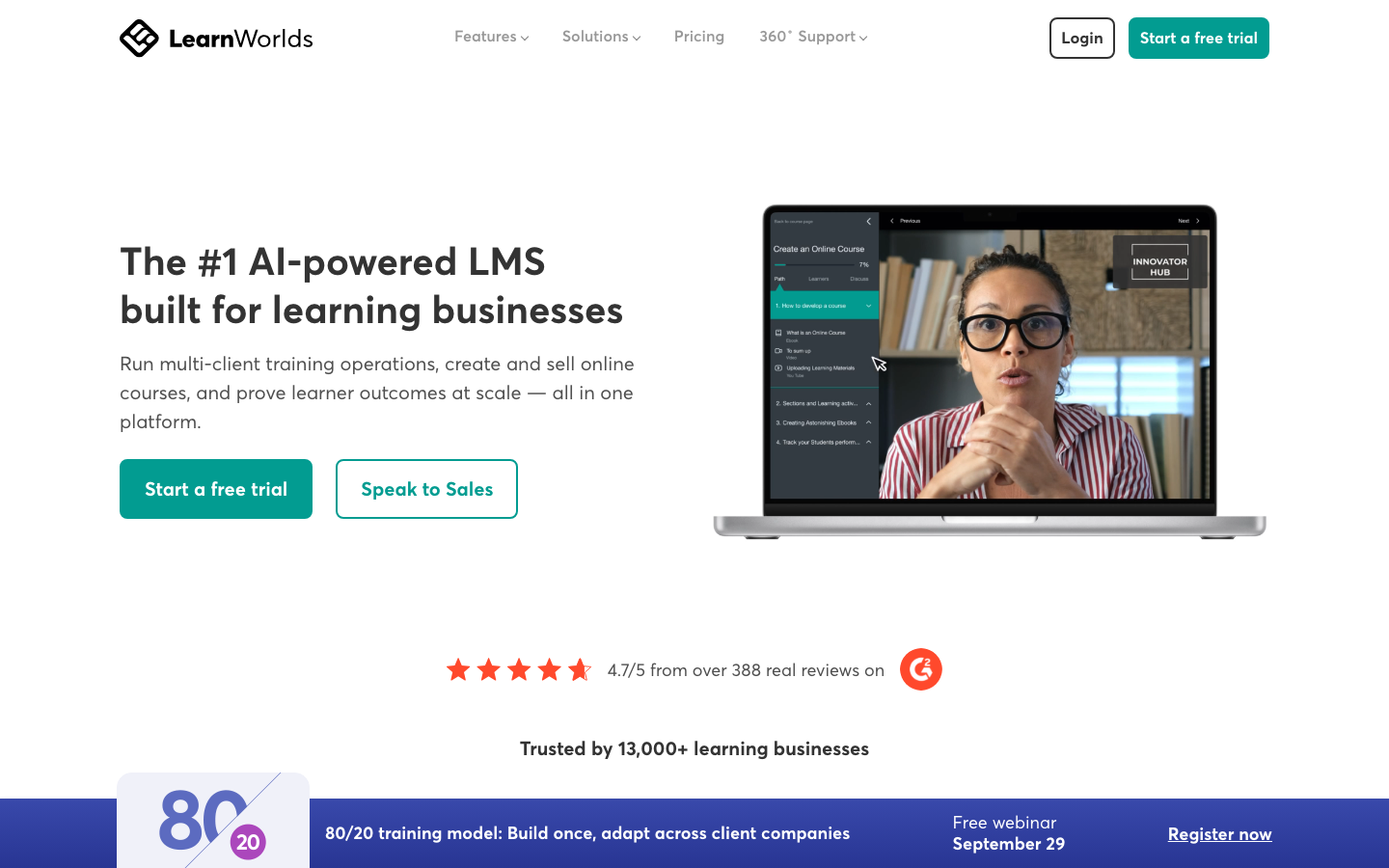
Courses on LearnWorlds look like finished products rather than internal documents. Branded academy sites, interactive video, and community features make it a natural fit for small companies that also train or sell to clients. Pure compliance programs will feel slightly out of place.
Our Verdict
Branded Learning Sites For Small Teams
Litmos
Software Pros:
- Established platform with a long track record
- Covers core LMS features reliably
- Supports internal and external learners
Software Cons:
- Interface can feel dated compared to newer tools
- Heavy customization may require more effort
Litmos Review:
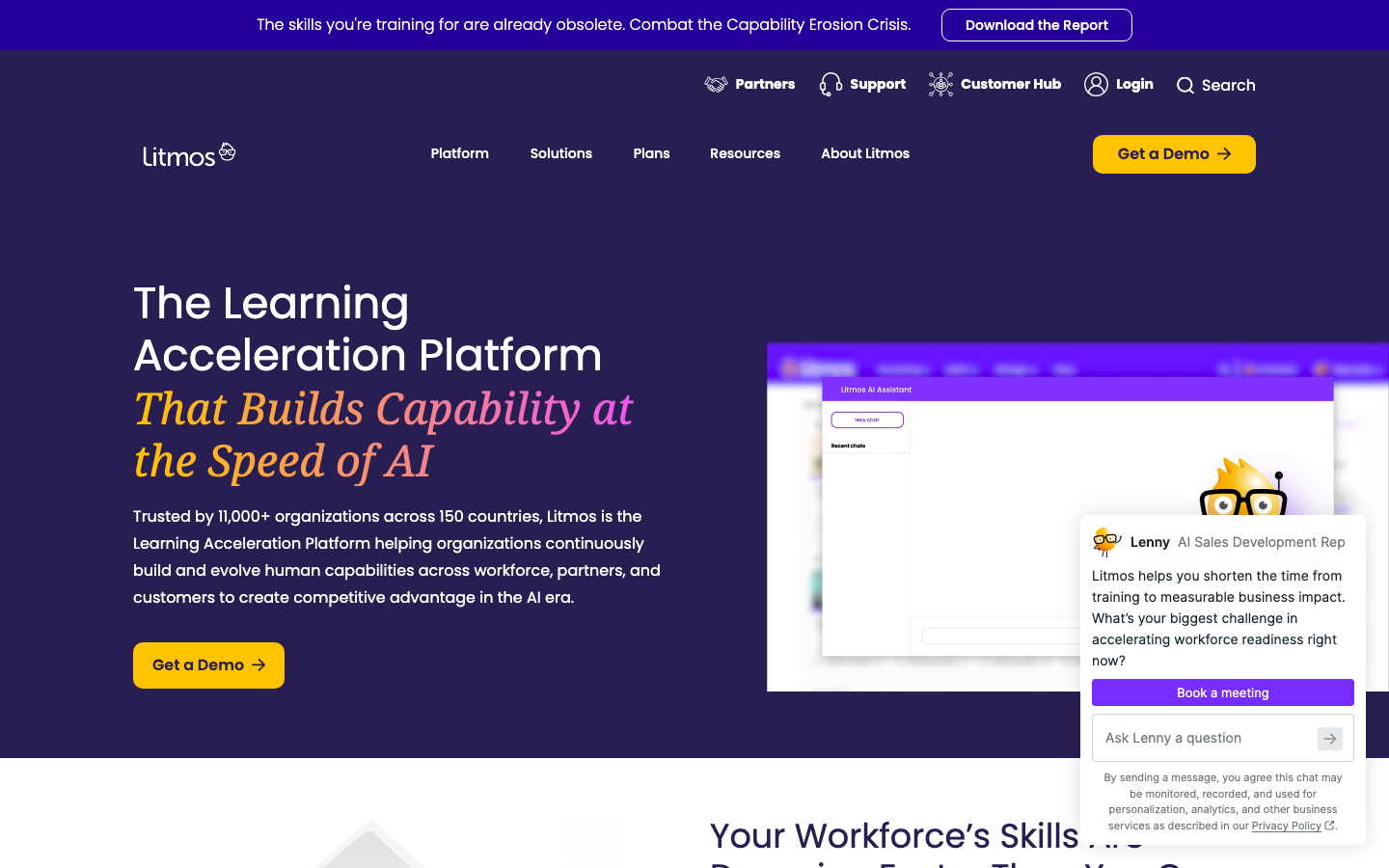
Litmos does not try to be everything, and that is its appeal. Course delivery, tracking, and reporting work reliably, with AI features layered on rather than forced in. Buyers who want a familiar LMS-first approach will be comfortable; those chasing heavy customization should budget extra effort.
Our Verdict
Reliable Classic LMS Option
Moodle Workplace
Software Pros:
- Highly flexible and customizable
- Multi-tenant support for different teams or divisions
- Strong community and plugin library
Software Cons:
- Setup and maintenance can require technical skills
- Interface depends on how it is configured
Moodle Workplace Review:
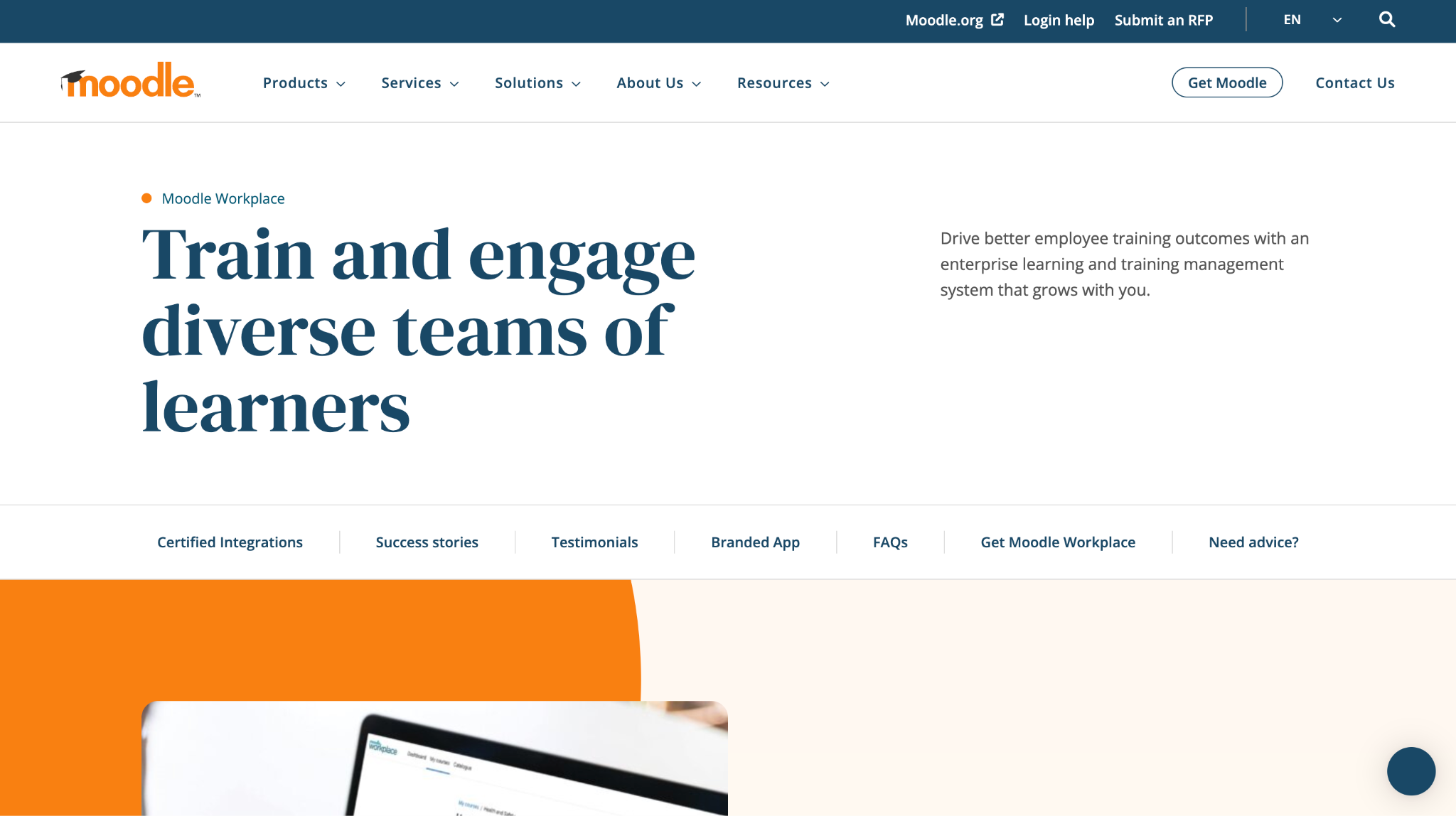
Control is the whole point of Moodle Workplace. You can tune structure, layout, and workflows to an organization’s model, usually with help from a Moodle partner. That freedom only pays back for teams with the patience and technical capacity to configure it properly.
Our Verdict
Flexible LMS For Custom Setups
Pluralsight Skills
Quick Overview:
Pluralsight Skills is a skills platform for technology teams, with paths, assessments, labs, and analytics built around technical roles. Engineering and IT departments use it as one of their online training platforms for employees who need hands-on practice.
Software Pros:
- Deep catalog of tech and developer content
- Skill assessments and role-based paths
- Strong analytics on skill gaps
Software Cons:
- Focused mainly on technical topics
- Not a general-purpose LMS for all staff
Pluralsight Skills Review:
Pluralsight maps its content to specific tech roles and skill levels, and that mapping is its biggest asset. Skill IQ and Role IQ assessments show managers exactly where engineers need practice, backed by hands-on labs and sandboxes. Add it on top of a general LMS rather than asking it to train the whole company.
Our Verdict
Targeted Skills Platform For Tech Teams
ProProfs Training Maker
Quick Overview:
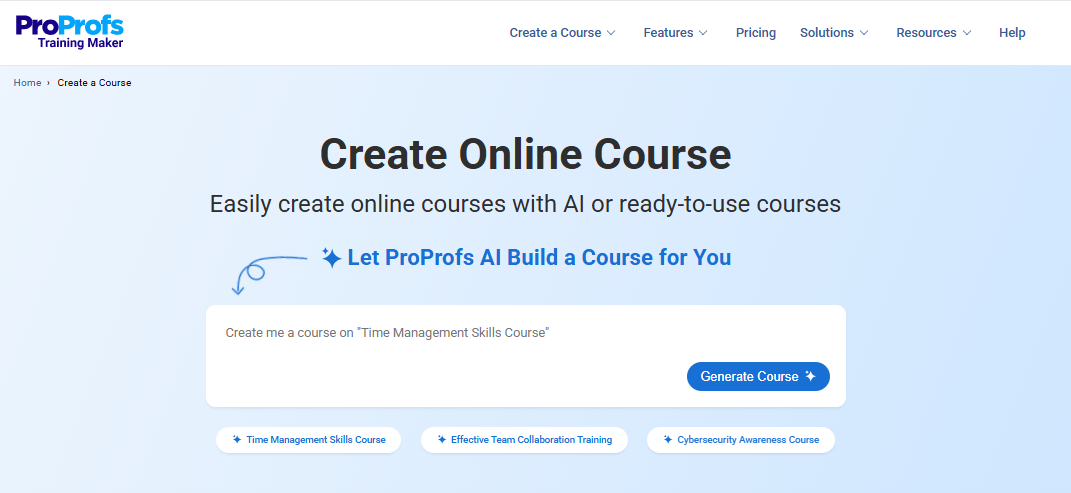
ProProfs Training Maker is an easy-to-use employee training platform built to reduce the time and effort involved in running workplace learning. It brings course creation and training management together, making it useful for teams that want to move onboarding, compliance, and skills development into one system.
Software Pros:
- Builds complete training courses from simple AI prompts
- Launch programs faster with 500+ expert-built courses
- Track learning through assessments, certificates, and reports
Software Cons:
- Cloud-only platform with no on-premise deployment
- No dark interface option for low-light use
ProProfs Training Maker Review:
When I reviewed ProProfs Training Maker, I focused on how much work it removes from both course creation and ongoing training management. The AI course builder gives teams a quick starting point, while ready-made content, automated reminders, compliance tracking, and reporting reduce the work required after training goes live. From my perspective, it fits organizations that want fairly comprehensive employee training software without the complexity that often comes with larger LMS platforms.
Our Verdict
Easy-To-Use AI Employee Training Platform
SAP SuccessFactors Learning
Software Pros:
- Deep integration with SAP HR data
- Strong compliance and certification tracking
- Scales across complex organizations
Software Cons:
- Implementation and upkeep can be demanding
- Interface can feel heavy without training
SAP SuccessFactors Learning Review:
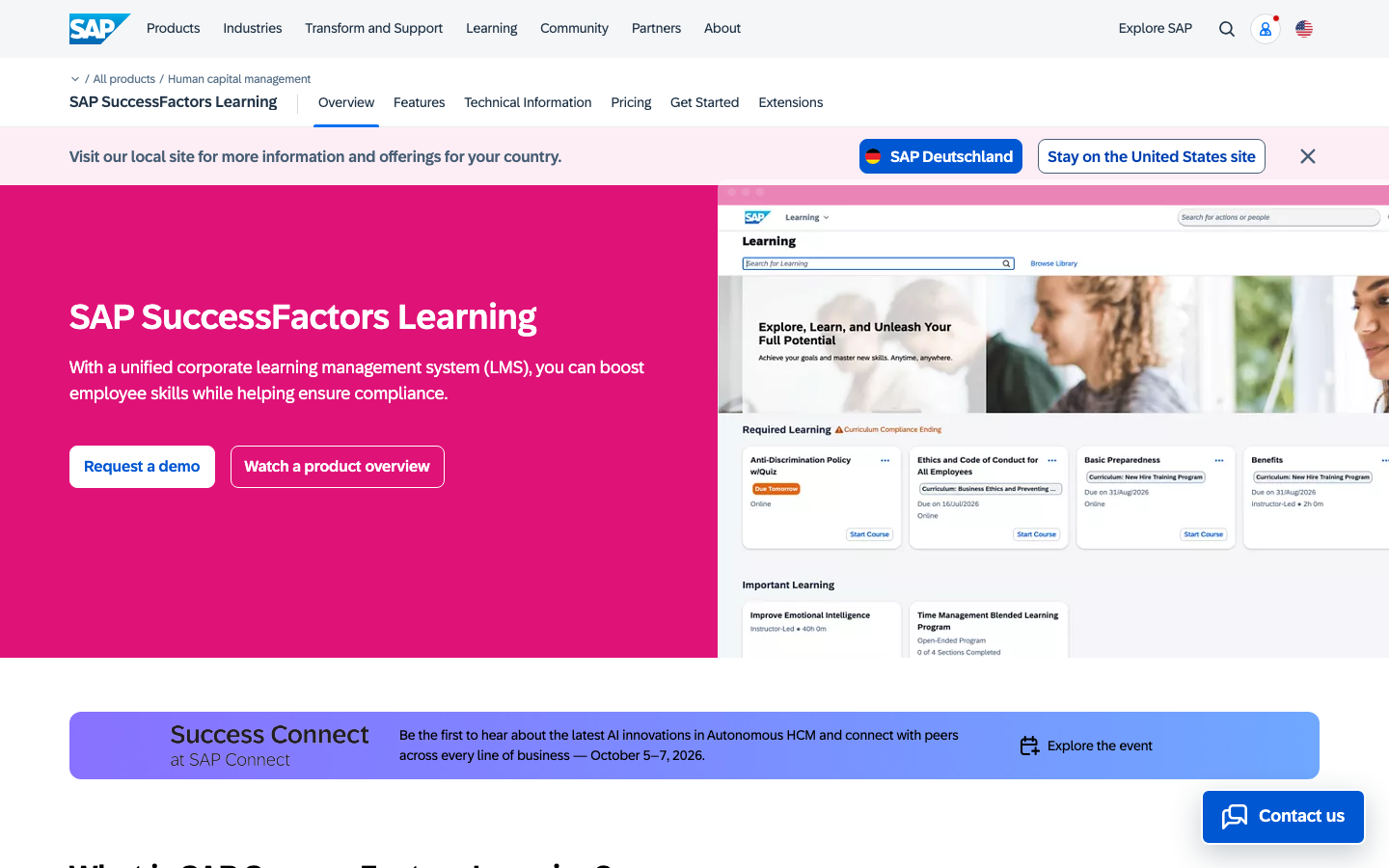
Regulated, multi-country environments are where SuccessFactors Learning makes its case. Training obligations are managed with a high level of control, and the link to SAP HR data keeps assignments accurate. It belongs in companies already committed to SAP, where that integration is worth the implementation work.
Our Verdict
Enterprise Learning For SAP Environments
Schoox
Software Pros:
- Focus on frontline and deskless workers
- Combines learning with development paths
- Supports multi-location structures
Software Cons:
- Interface may feel different from classic LMS tools
- Works best with clear role structures
Schoox Review:
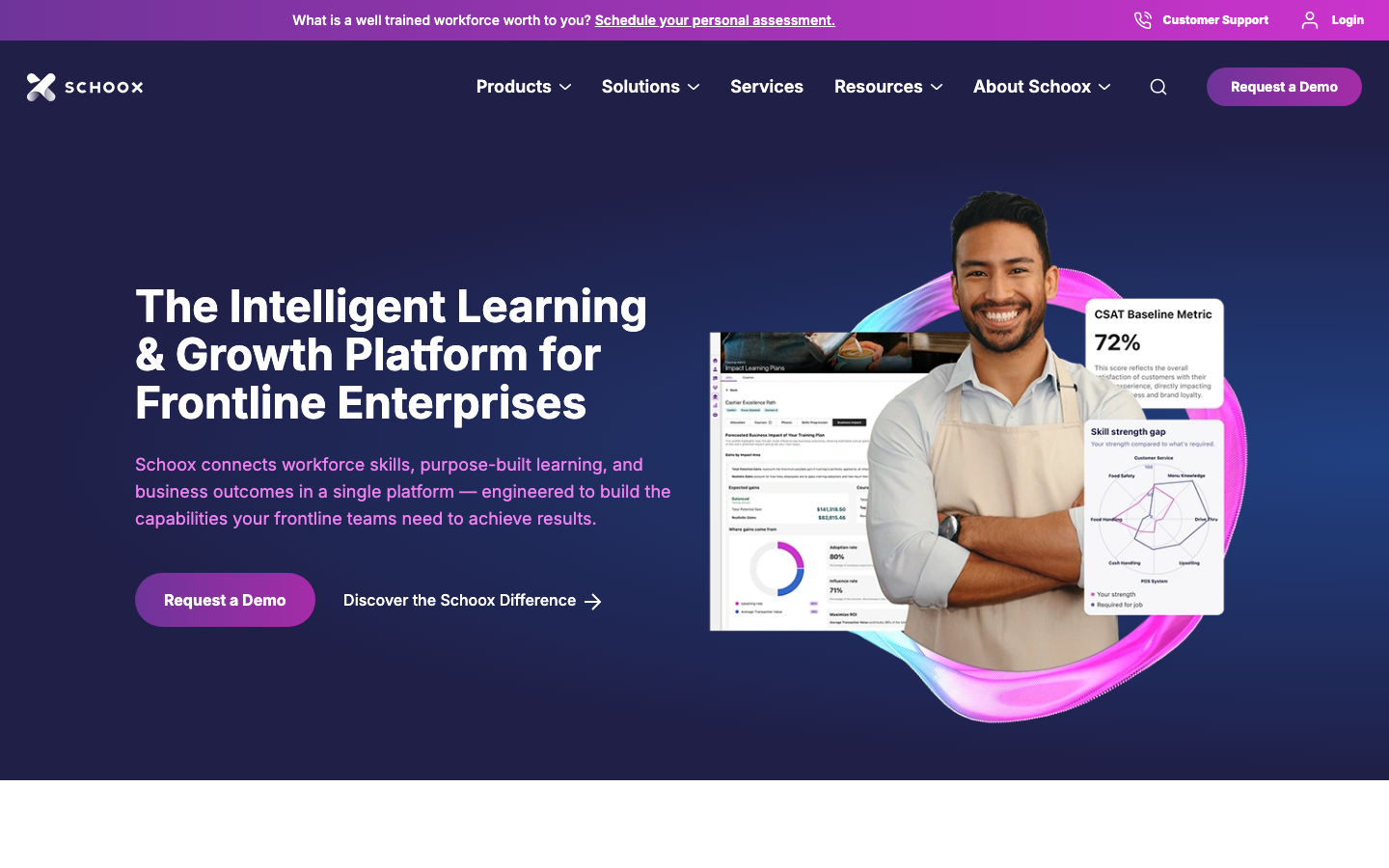
Schoox handles large frontline workforces spread across many sites best. Training, roles, and development paths sit together, so a store associate can see where the next step leads. Among staff training solutions for retail, hospitality, and multi-site operations, it is one of the clearest fits.
Our Verdict
Frontline Training With Growth Paths
Seismic Learning
Software Pros:
- Strong practice and coaching features
- Good for sales and support use cases
- Simple learner experience
Software Cons:
- Not a broad LMS for every department
- Best fit is enablement rather than compliance at scale
Seismic Learning Review:
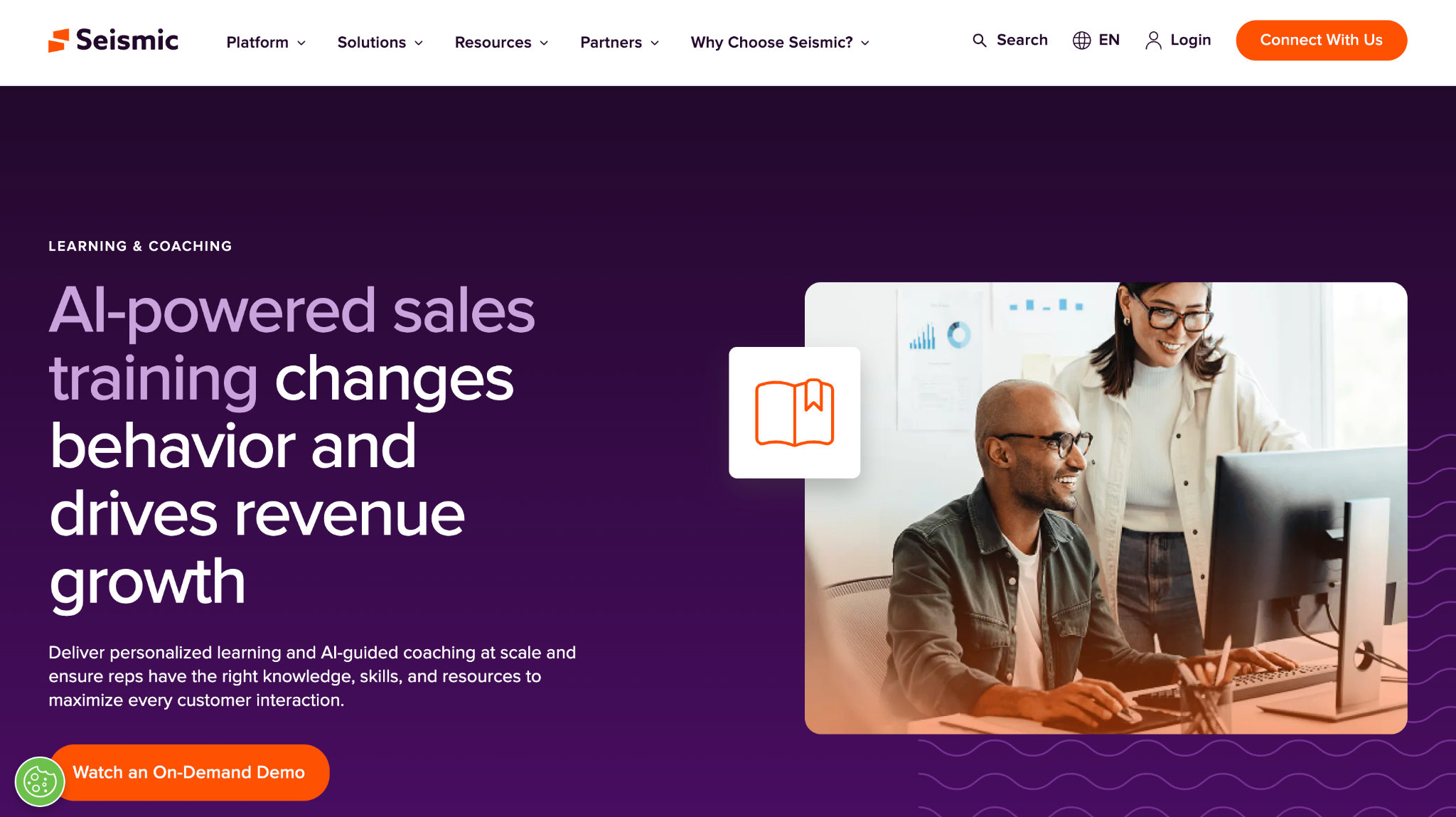
Practice is the product here, not content. Reps rehearse calls and demos in simulated scenarios and get AI-powered feedback, while managers see where skills gaps remain. I would pair Seismic Learning with a classic LMS for company-wide training rather than ask it to cover every department.
Our Verdict
Practice-Focused Training For Enablement
Skill Lake
Quick Overview:
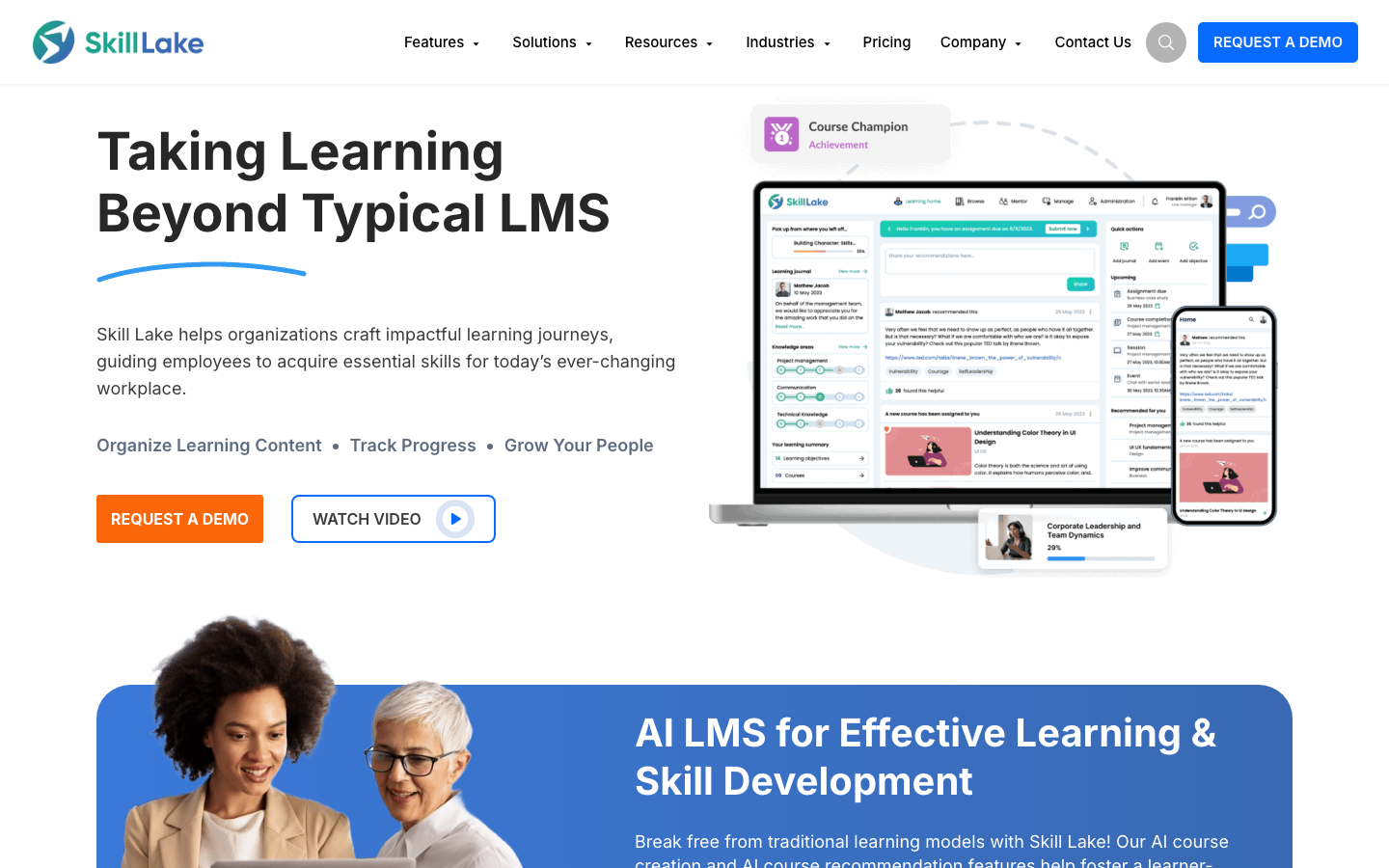
Skill Lake is a cloud LMS aimed at mid-size companies. It supports courses, skills, and compliance tracking, with an emphasis on user-friendly design and per-user pricing.
Software Pros:
- Clear structure for courses and skills
- Designed for mid-size corporate training
- Supports compliance and development programs
Software Cons:
- Less focused on external customer education
- May require some onboarding for admins
Skill Lake Review:
Skill Lake sits in a useful middle ground. It handles skills and compliance in 1 environment without the weight of an enterprise suite, which suits companies moving up from spreadsheets or basic tools. Expect a short learning curve for admins before it runs smoothly.
Our Verdict
Mid-Size LMS With Skills Focus
Skillsoft Percipio
Quick Overview:
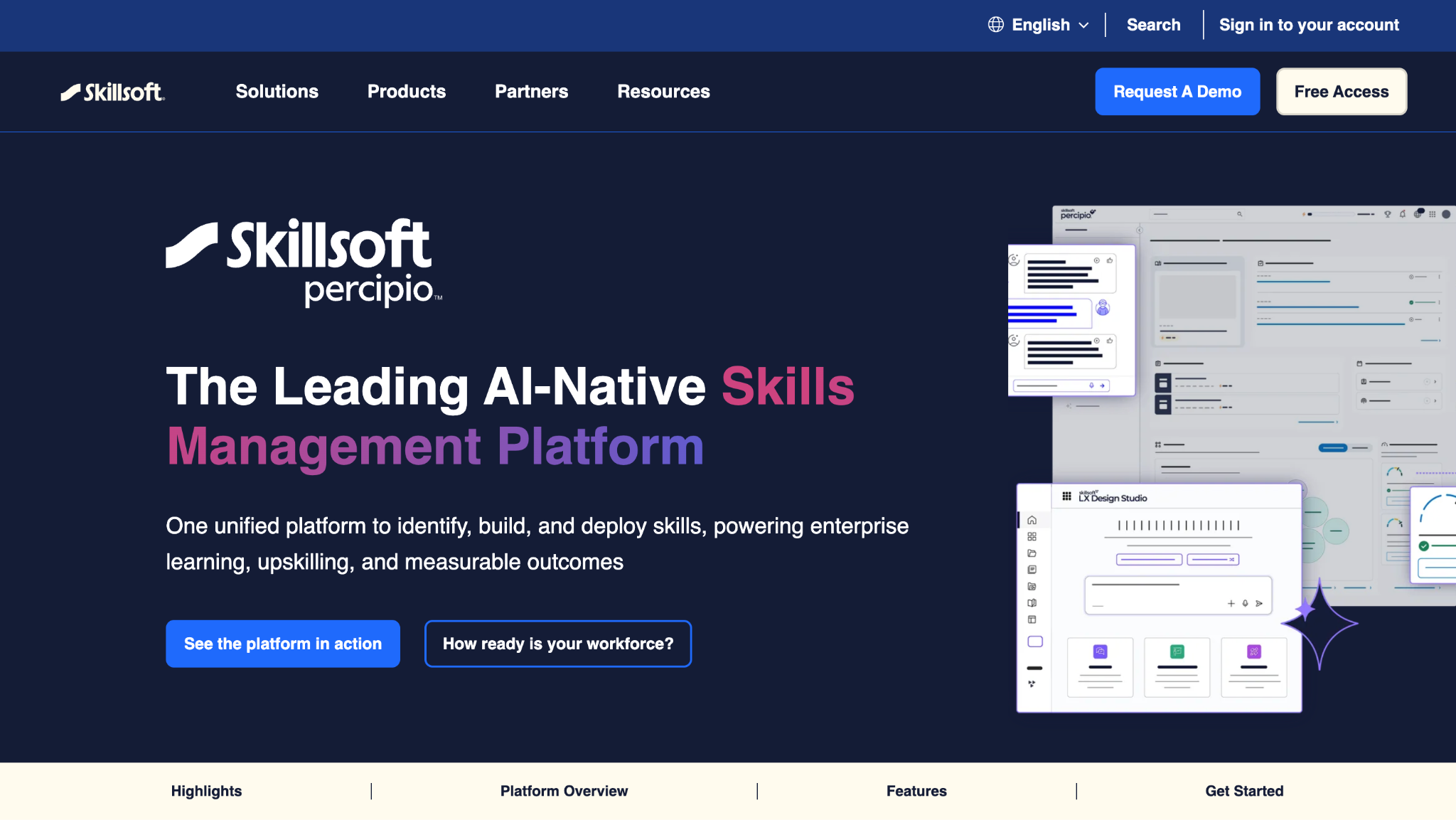
Skillsoft Percipio is a learning platform combined with a large content library. It organizes channels, journeys, and playlists on leadership, technology, and compliance, and adds AI simulations and an AI coach for practice.
Software Pros:
- Large library of structured learning content
- Channels and journeys aligned to roles and topics
- Good support for leadership and business skills
Software Cons:
- Heavy focus on library content
- May overlap with other content providers if not planned
Skillsoft Percipio Review:
Curated channels guide people through a topic, mixing videos, books, and assessments. Its CAISY simulations let learners rehearse real conversations before they happen. It works best when a company wants content and a platform together and will not duplicate another library.
Our Verdict
Content-Rich Learning Environment
TalentCards
Software Pros:
- Very mobile-friendly and lightweight
- Card format suits quick learning moments
- Good for refreshers and simple procedures
Software Cons:
- Not suitable for long or complex courses
- Limited as a stand-alone replacement for a full LMS
TalentCards Review:
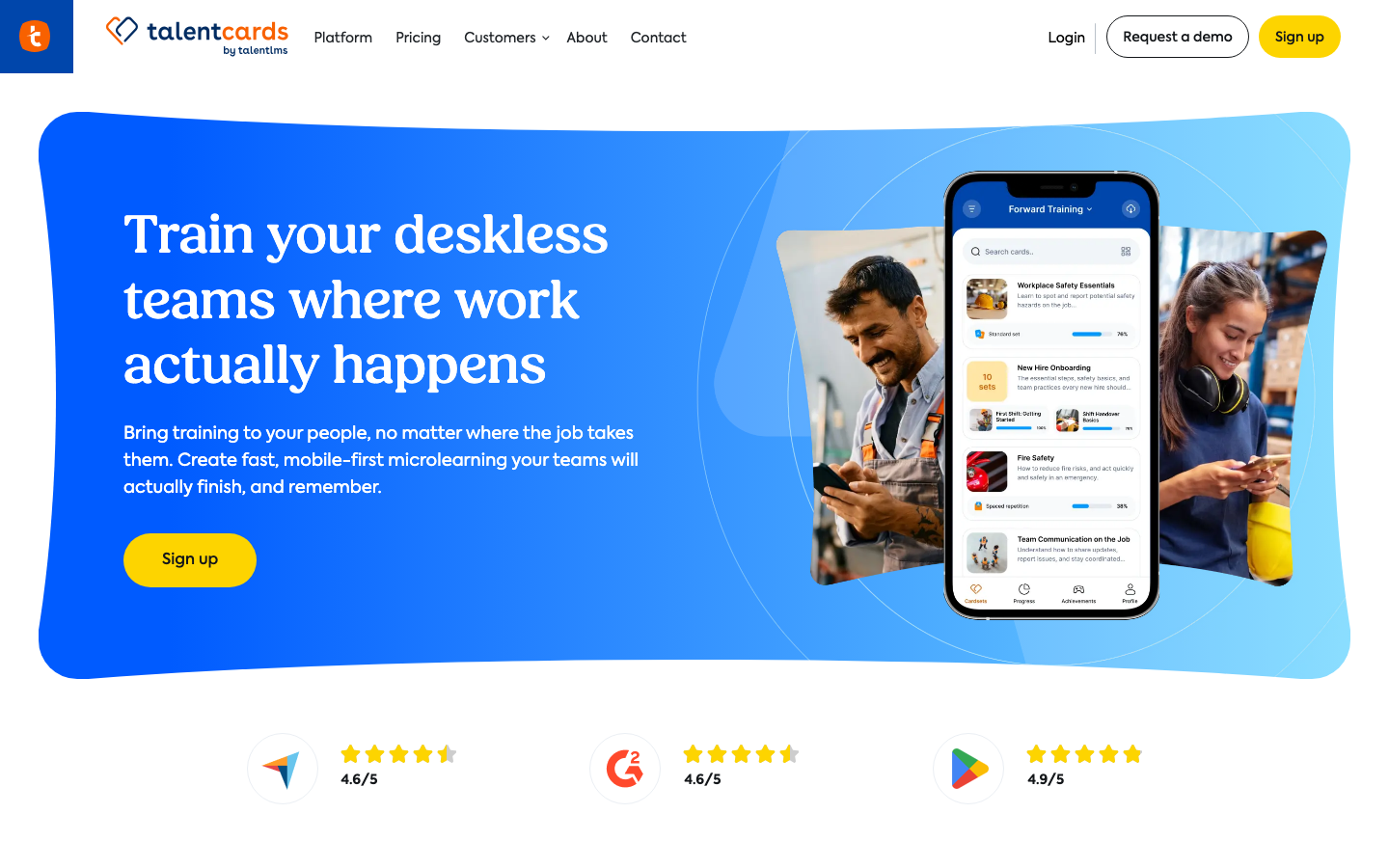
The card format changes how training feels: short bursts that are easy to repeat, even offline in the field. Among apps for training employees who never sit at a desk, it is one of the easiest to roll out. Keep a full LMS for anything longer than a few minutes.
Our Verdict
Card-Based Microlearning App
TalentLMS
Software Pros:
- Simple setup and admin experience
- Affordable plans for smaller teams
- Supports internal and external learners
Software Cons:
- Reporting is more basic than high-end LMS tools
- Limited advanced workflow automation
TalentLMS Review:
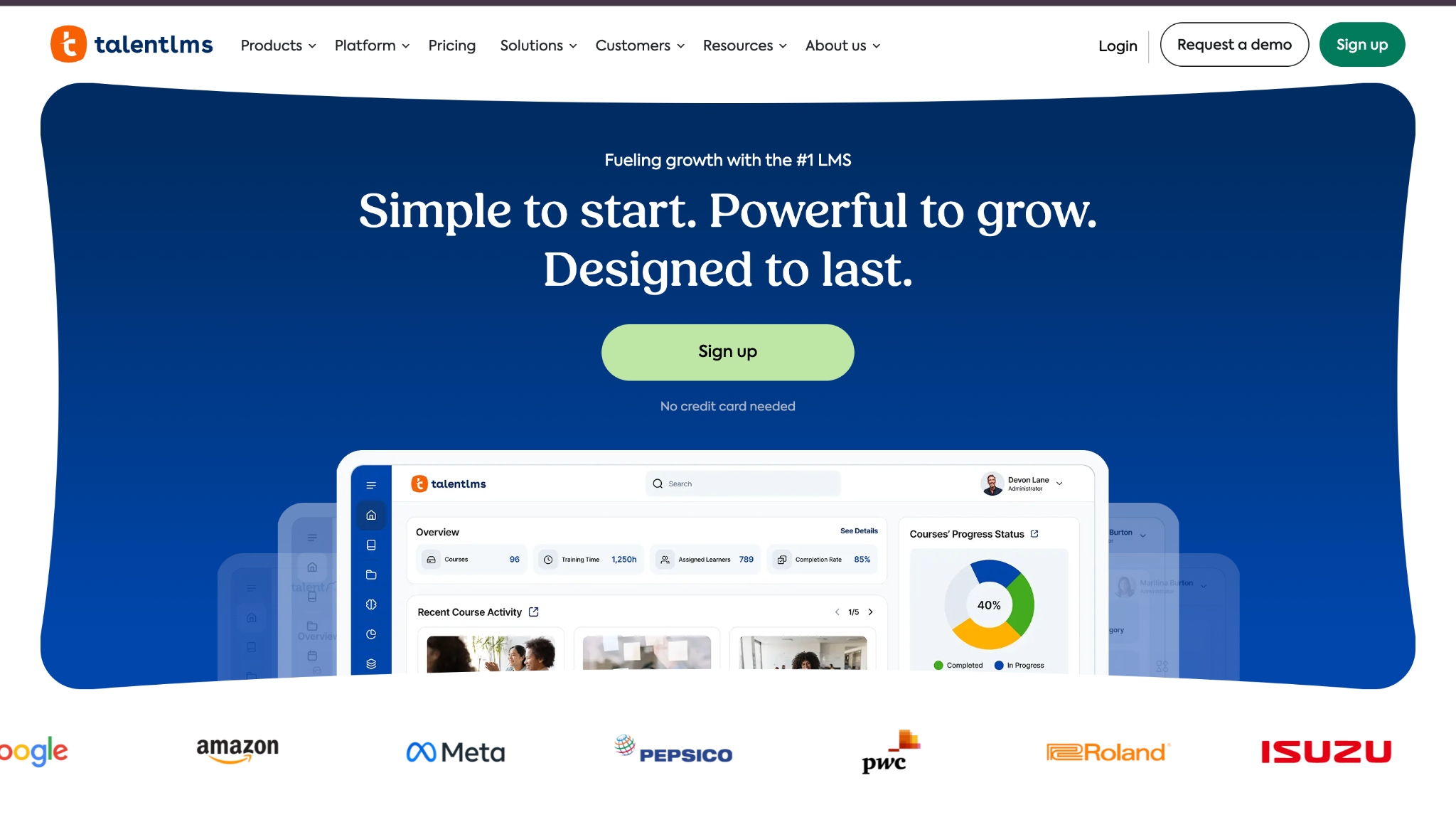
How fast a small team can launch was my yardstick for TalentLMS, and it clears it easily. A free plan, straightforward admin screens, and published pricing remove most of the friction. For anyone shortlisting employee training software for small business use, it is the natural first trial.
Our Verdict
Simple, Affordable LMS For SMBs
Tovuti LMS
Software Pros:
- Many built-in engagement features
- Supports internal and external learners
- Highly configurable layouts and modules
Software Cons:
- Interface can feel busy with many options
- Configuration takes some time to get right
Tovuti LMS Review:
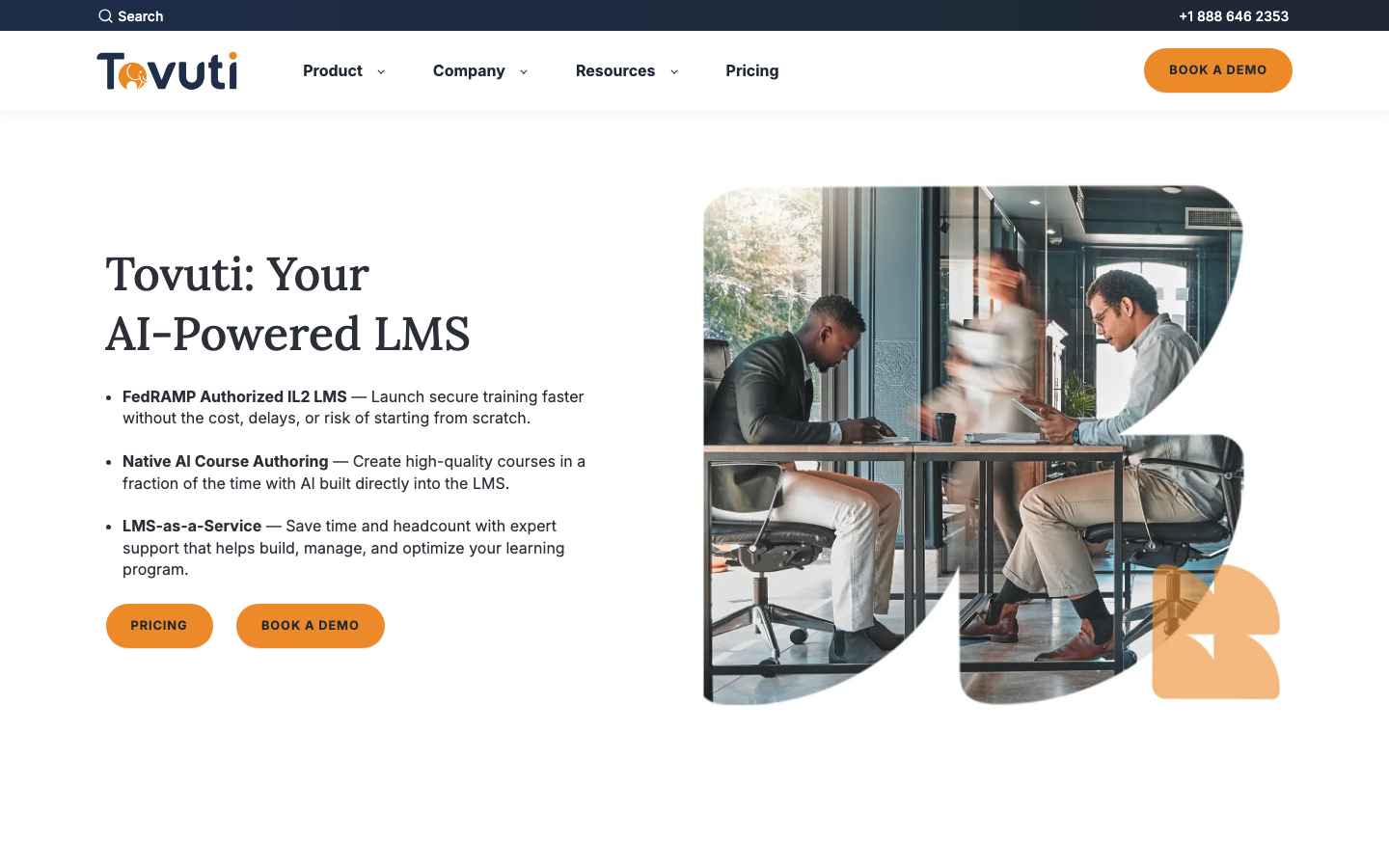
Tovuti offers far more than course delivery. Events, communities, and gamified elements can keep learners active if an admin curates them, and pricing is set per annual learner with the full platform included. That breadth suits organizations that want an LMS doubling as an engagement hub.
Our Verdict
Feature-Rich LMS With Community
Trainual
Quick Overview:
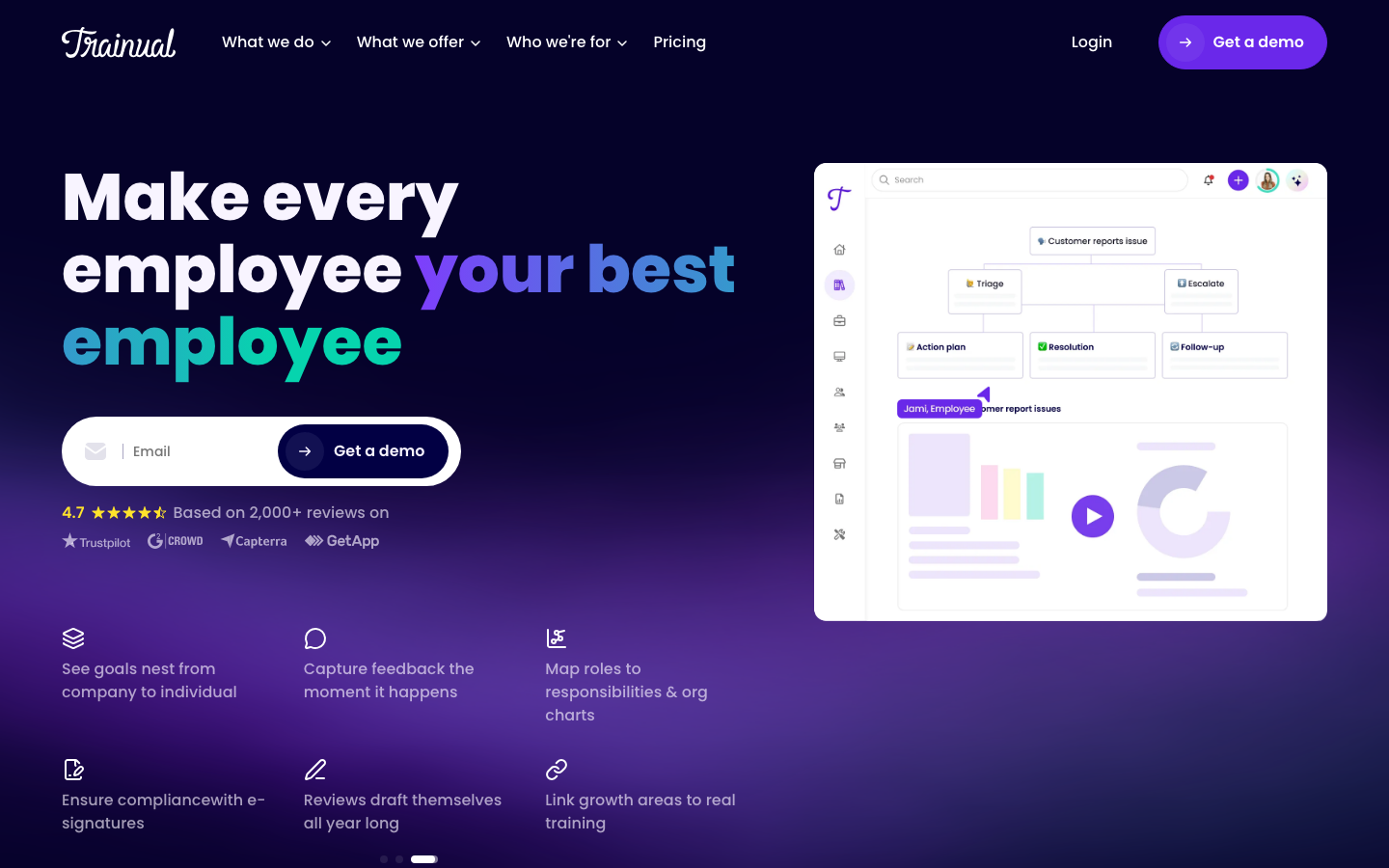
Trainual is employee training software for documenting processes and standard operating procedures. It works as a playbook and training tool in one, with AI-assisted documentation and AI-powered knowledge search.
Software Pros:
- Strong focus on process and SOP documentation
- Easy for non-HR managers to add content
- Good fit for onboarding and role handovers
Software Cons:
- Less suited to complex compliance training
- Limited advanced testing and analytics
Trainual Review:
Trainual turns everyday processes into structured lessons that managers can actually maintain. Steps, videos, and short checks connect in a way that feels natural to people outside HR. Its best use is capturing how work gets done and handing that knowledge to the next hire.
Our Verdict
Playbook-Style Training For Growing Teams
Udemy Business
Quick Overview:
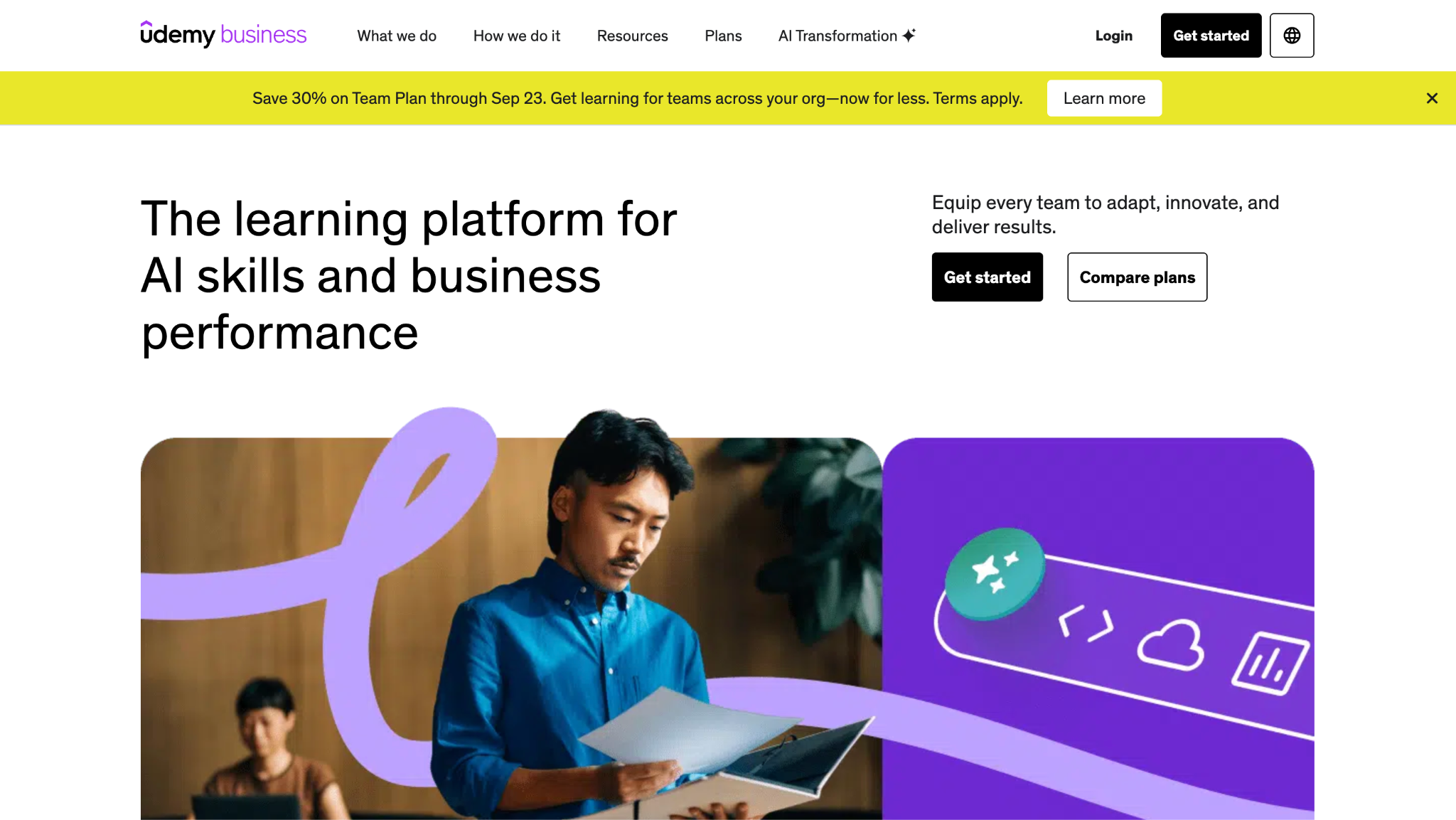
Udemy Business is a subscription catalog of courses taught by independent instructors, covering technical, business, and personal skills. Udemy has been a wholly owned subsidiary of Coursera since May 11, 2026, and Udemy Business is still sold as its own product. Companies use it to fill gaps left by their internal content.
Software Pros:
- Very large and varied course catalog
- Fresh content across many topics
- Easy to roll out to large groups
Software Cons:
- Content quality can vary by instructor
- Not a classic LMS for internal workflows
Udemy Business Review:
Variety is the draw with Udemy Business. People can explore topics that internal courses will never cover, and new AI Packages target AI fluency across roles. The Team Plan suits small groups, while Enterprise adds LMS and HRIS integrations. With Coursera as its new owner, check the Coursera for Business entry above before renewing both.
Our Verdict
Wide Catalog For Self-Directed Learning
Workday Learning
Software Pros:
- Tight integration with Workday HR and talent modules
- Supports campaigns and social learning elements
- Good fit for organizations already on Workday
Software Cons:
- Implementation depends on broader Workday rollout
- Best value when you use multiple Workday modules
Workday Learning Review:
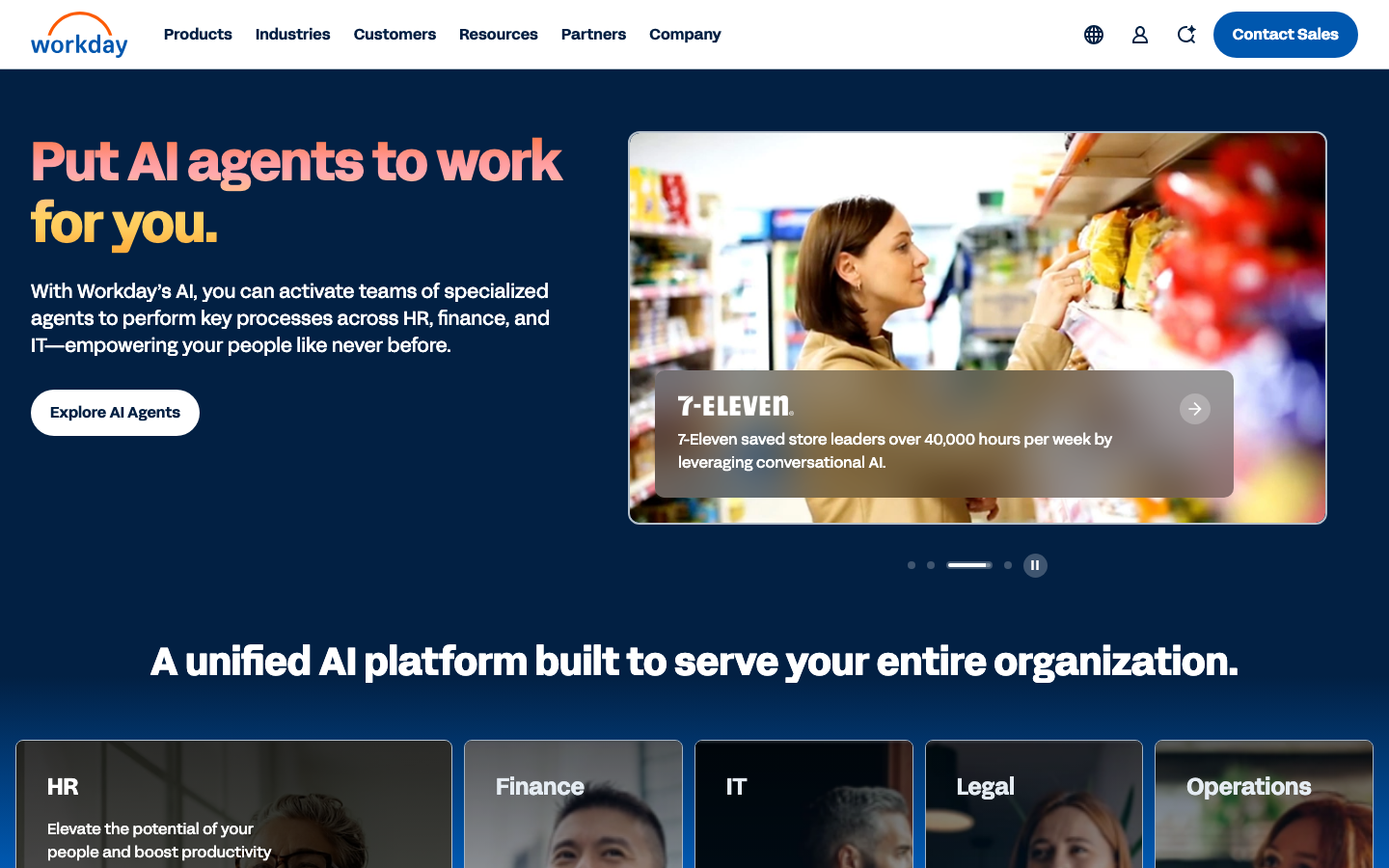
Workday Learning uses the HR data a company already holds to target training. Because roles, managers, and structures are in the system, the right course reaches the right person without manual lists. It only makes sense for companies that have already chosen Workday as their HR core.
Our Verdict
Integrated Learning For Workday Users
Zoho Learn
Quick Overview:
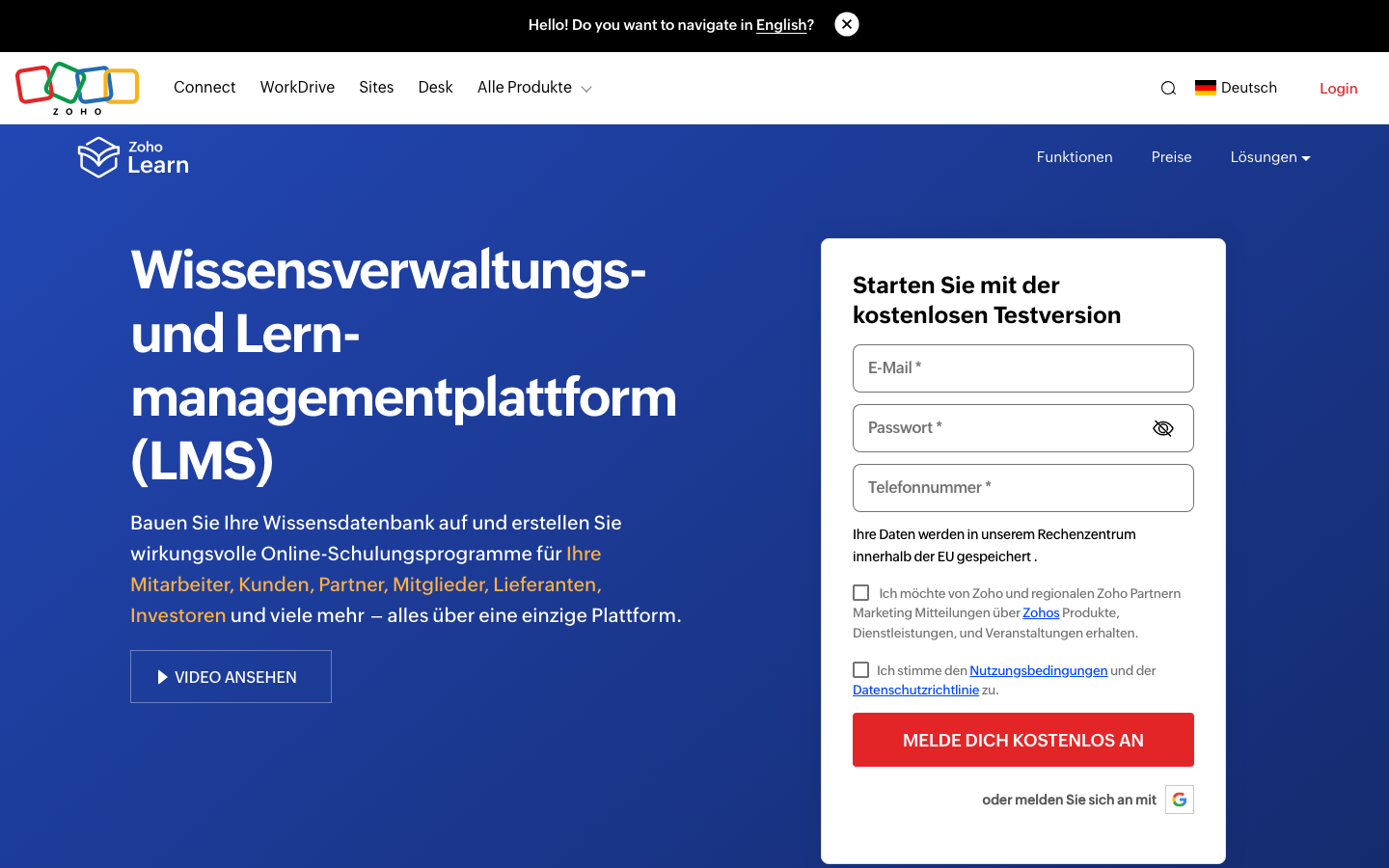
Zoho Learn is a knowledge base and training tool inside the Zoho product family. It combines manuals, courses, and assessments in 1 interface, with a free plan for up to 5 users.
Software Pros:
- Fits naturally into other Zoho products
- Combines knowledge base and learning
- Simple structure for small and mid-size teams
Software Cons:
- Less suited to very complex training programs
- Reporting is more basic than dedicated enterprise LMS tools
Zoho Learn Review:
Zoho Learn is most comfortable for teams already working in Zoho, since users and data are in place from day 1. Internal manuals become structured lessons with little effort. Companies that need deep analytics or complex compliance programs will outgrow it before long.
Our Verdict
Lightweight Learning Inside Zoho
FAQs About Employee Training Solutions
What is employee training software used for in modern organizations?
It gives a company 1 place to build, assign, and track learning. Typical uses include onboarding new hires, running mandatory compliance courses, and developing skills for current or future roles.
How is employee training software different from a traditional LMS?
A classic LMS mainly hosts courses and records completions. Newer tools add skills mapping, social learning, coaching, AI practice, and HR system integrations, so they cover more of the learning experience than files and grades.
Which features matter most when evaluating employee training software in 2026?
Start with authoring, mobile access, reporting, and HR integrations. Then check the pricing unit, because per-active-user and per-registered-user billing diverge quickly as headcount grows.
Can employee training software support remote and hybrid teams?
Yes. Cloud platforms let people learn from any device and location, and many offer mobile apps or offline access for field roles. That keeps the same courses and records consistent across office, home, and frontline workers.
How do training platforms track employee progress and skill development?
They record completions, quiz scores, and activity, and many map results to skills or competencies. Managers then see dashboards showing who is improving and where gaps remain, although a completion alone does not prove a skill.
What are common mistakes companies make when choosing training software?
Common mistakes include choosing based on content library size alone, underestimating admin effort, and skipping HR or SSO integration. Another is buying 1 tool for every group when frontline staff, managers, and office roles need different formats.
What are the leading employee training platforms?
It depends on the job, because the market splits into LMS platforms, content libraries, authoring tools, microlearning apps, and HR-suite modules. The comparison table near the top of this page sorts all 32 tools by type, audience, and rating so you can shortlist the right kind first.
What are the best AI tools for employee training?
Seismic Learning, Docebo, and Skillsoft Percipio offer AI role-play or simulations for practice. TalentLMS, LearnWorlds, and iSpring generate draft courses and tests, while 360Learning and Go1 use AI for recommendations. The AI section above explains what each type of feature does.
How much does employee training software cost?
Published starting prices on this page range from free plans at TalentLMS, TalentCards, and Zoho Learn to $7,500 per year at Tovuti and $15,000 per year at Bridge. Many vendors quote only after a demo, and pricing per active user differs from pricing per registered user. The pricing table lists each model as of September 2026.

Yaryna is our lead writer with over 8 years of experience in crafting clear, compelling, and insightful content. Specializing in global employment and EOR solutions, she simplifies complex concepts to help businesses expand their remote teams with confidence. With a strong background working alongside diverse product and software teams, Yaryna brings a tech-savvy perspective to her writing, delivering both in-depth analysis and valuable insights.